iPhone · iPad
Clean up your photos and free up space
Find duplicate and similar photos, screenshots and big videos on your iPhone and iPad. Scanning is free, and everything is analyzed on your device.
Free to scan · $19.99/year for Pro
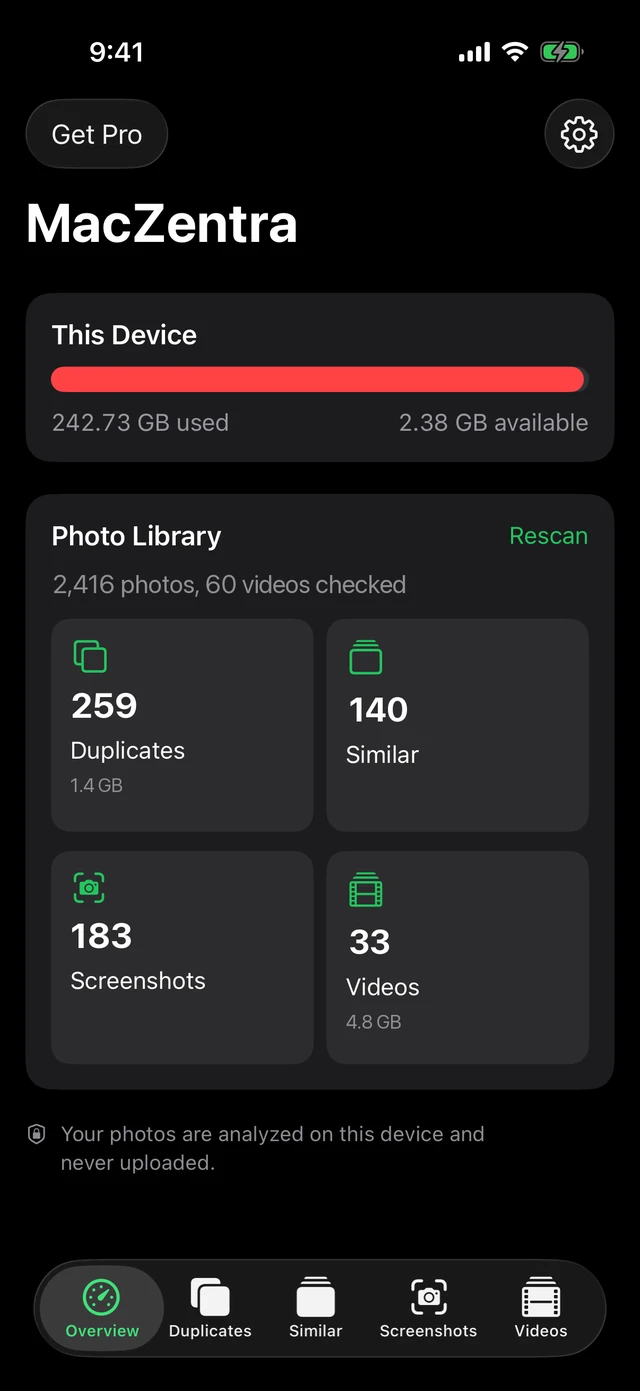
What it finds
Duplicates and similar photos
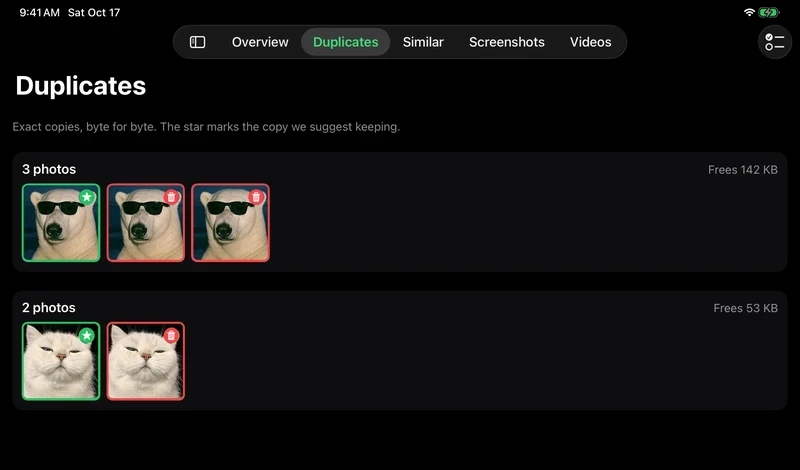
Exact duplicates and near-identical shots are grouped by how much space they take. Deleting exact duplicates is free.
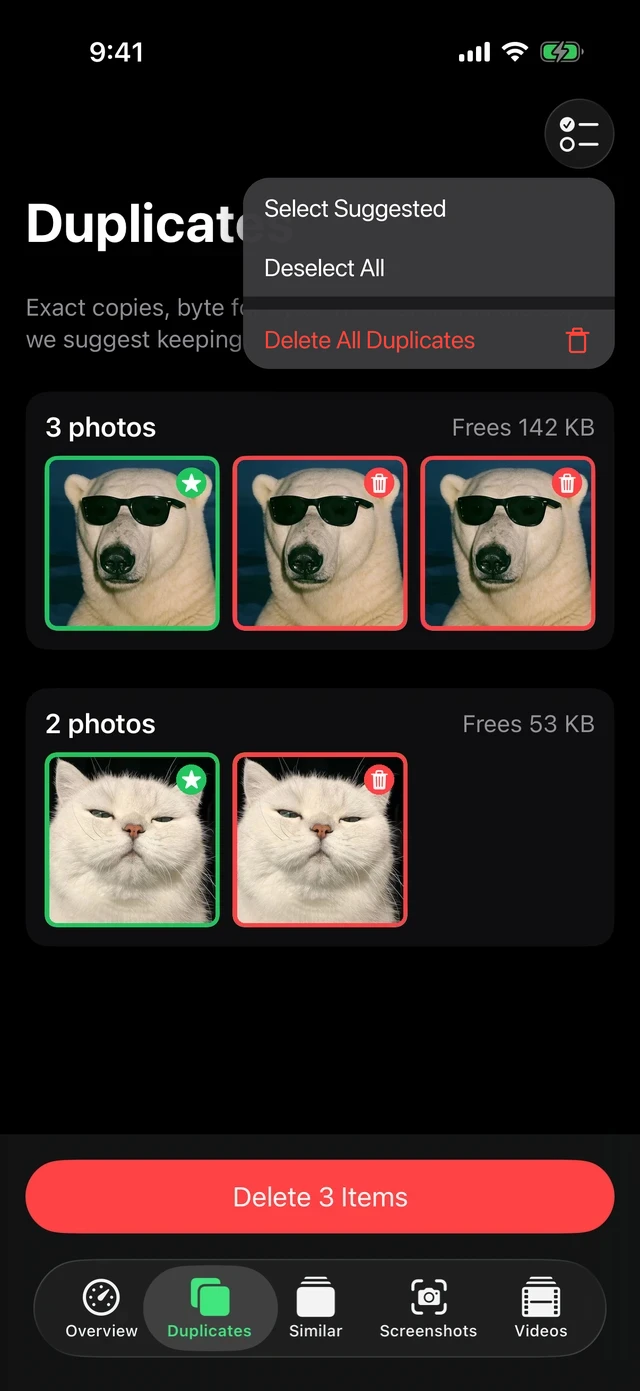
Similar shots, kept to the best one
Burst and retake photos are lined up so you keep the best and remove the rest.
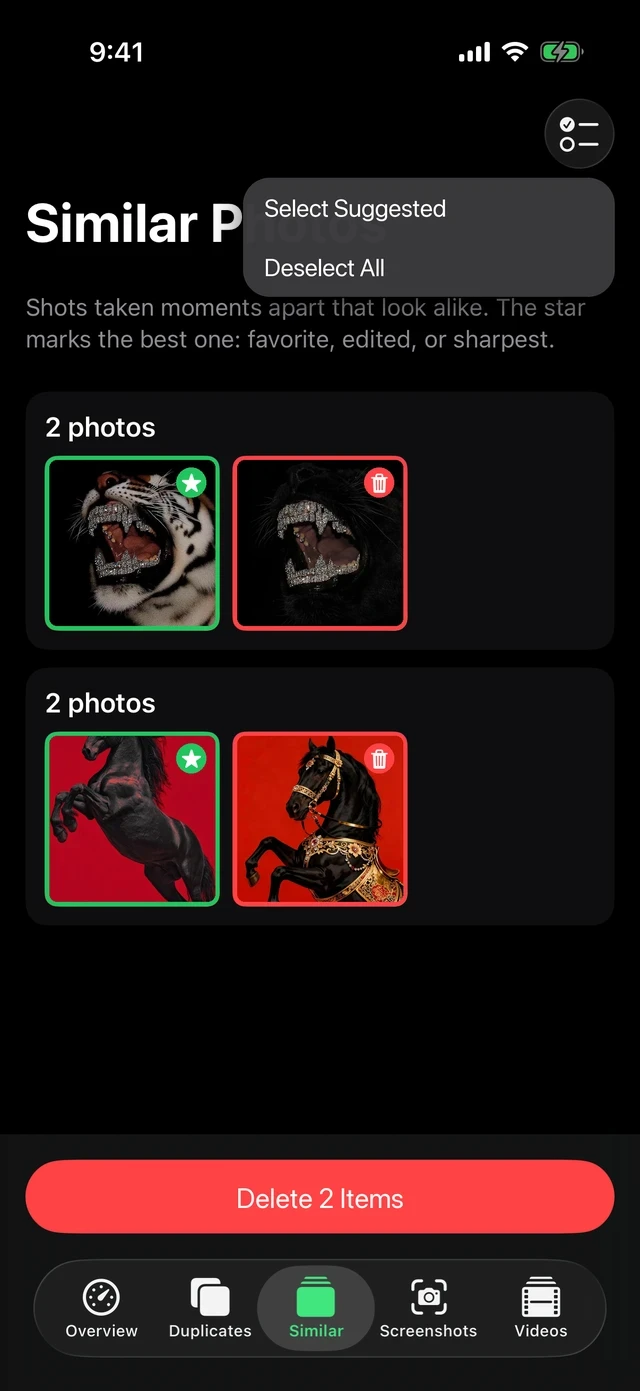
Screenshots and receipts
Screenshots and document-like photos are pulled into one list, so a year of clutter goes in a few taps.
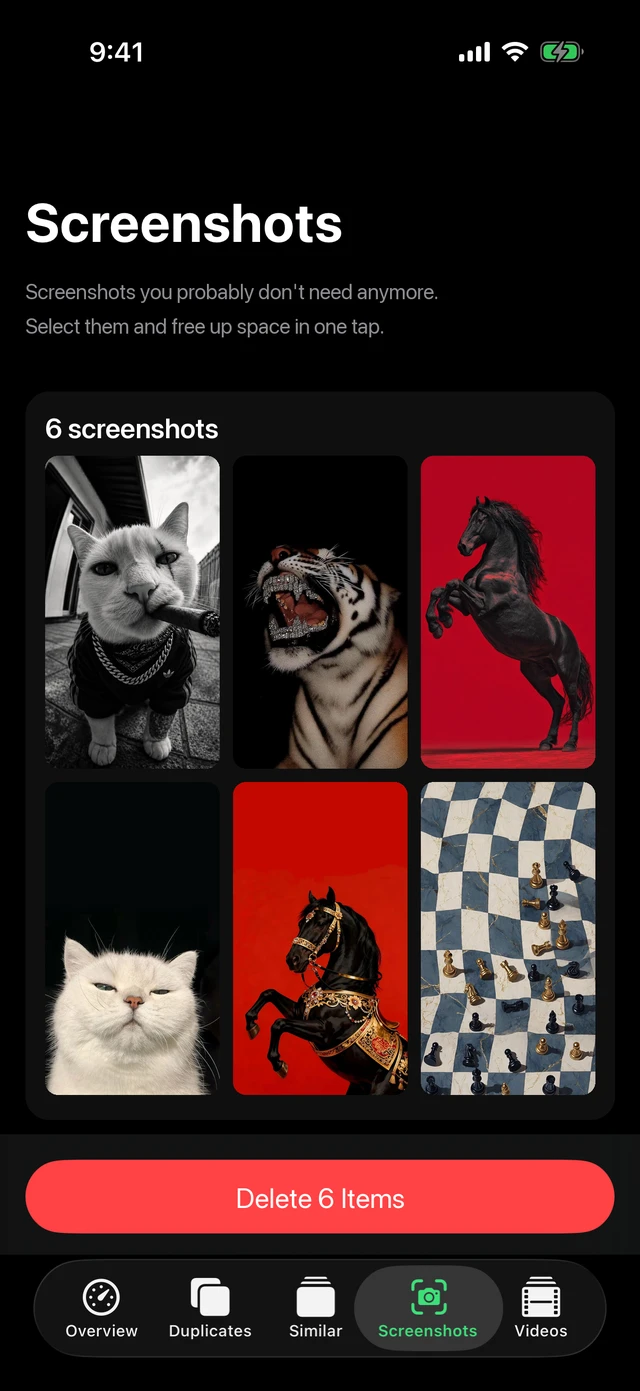
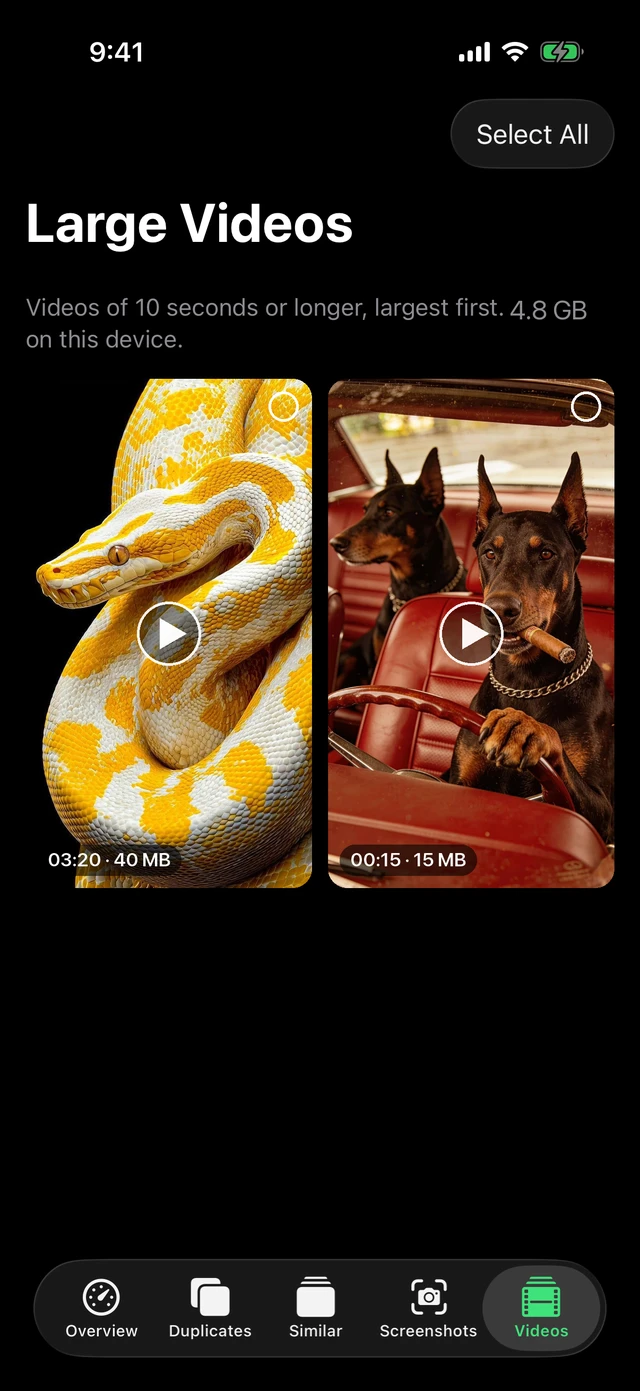
Large videos
Find the videos using the most space, then compress them to 1080p HEVC or remove them.
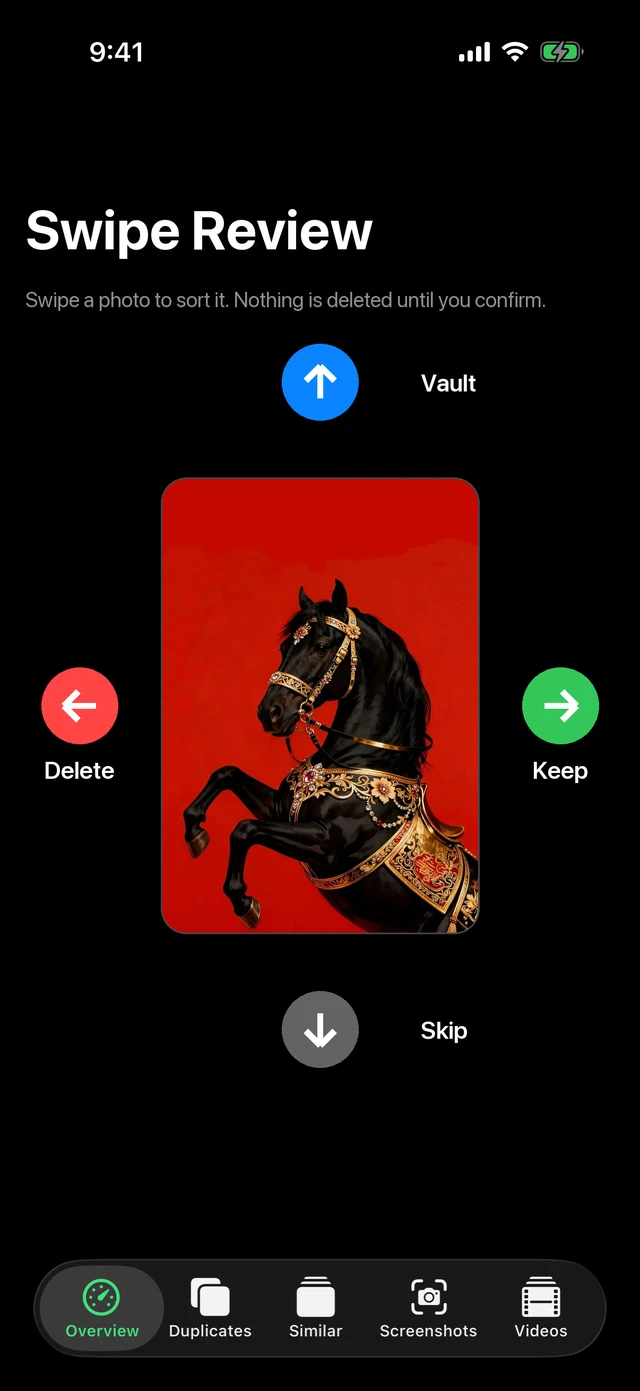
Swipe to clean
Go through photos one at a time. Swipe left to delete, right to keep, up to send to the vault and down to skip.
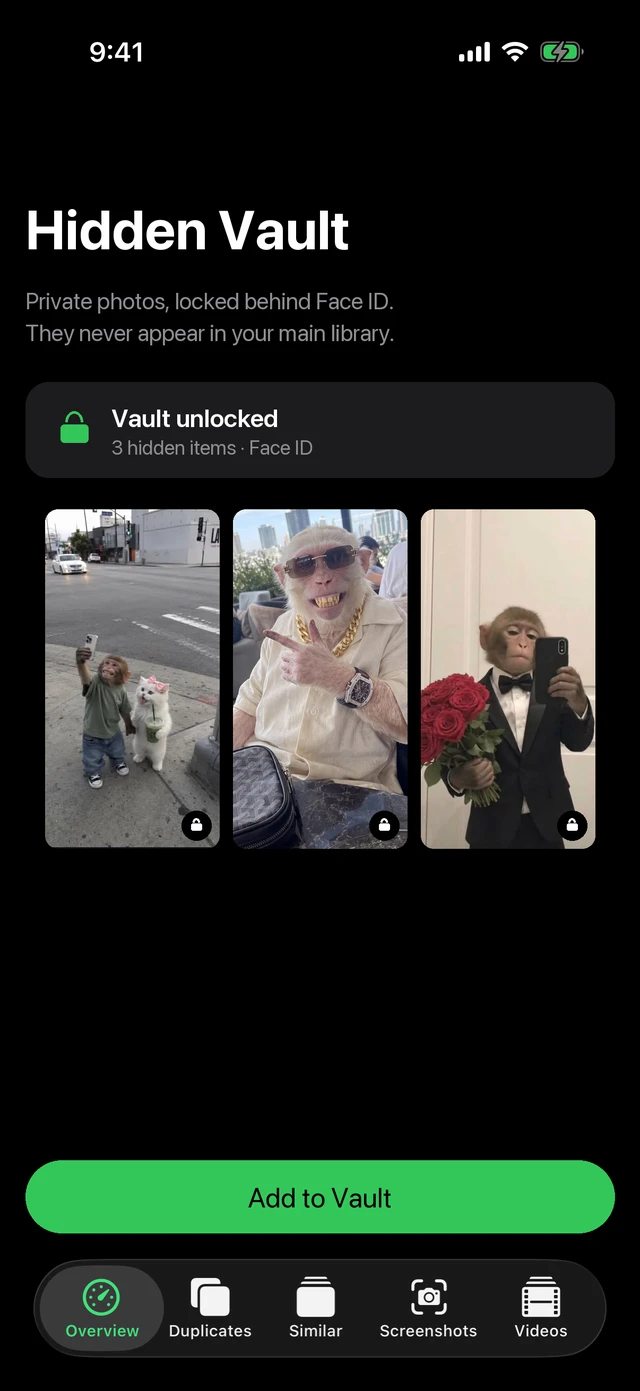
Hidden vault
Move private photos into a vault that stays locked behind Face ID, out of your main library.
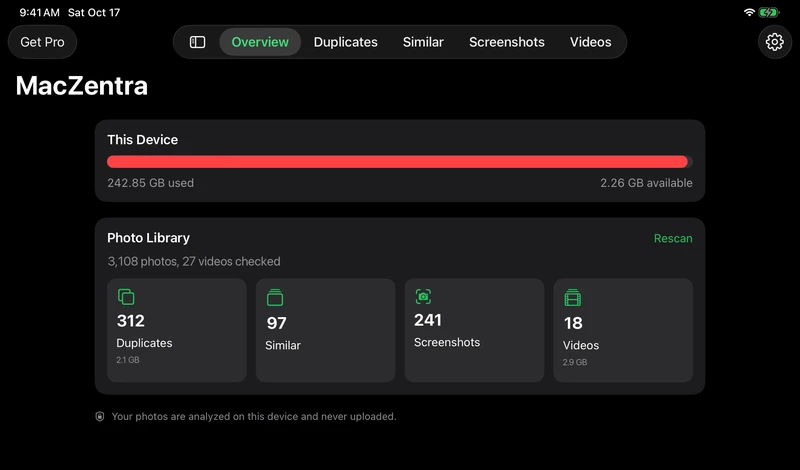
Made for iPad too
The same app fills the larger screen, with the storage map and photo grids laid out for a tablet.
Safe by design
- Photos are analyzed on your device and never uploaded.
- iOS asks you to confirm every deletion, and deleted items stay in Recently Deleted for 30 days.
- No account or login. One subscription covers iPhone, iPad and the Mac App Store edition.
iPhone and iPad vs Mac
| Feature | iPhone & iPad | Mac |
|---|---|---|
| What it cleans | Photos, videos, contacts, calendar | Files, caches, apps, developer junk |
| Free to scan | ||
| Duplicates and similar items | Photos and files you pick | Files and photos |
| Swipe to clean, private vault | ||
| Scan the whole device | — | Whole Mac (web version) |
| Price | $19.99 per year | $49.99 once (web version) |
Want the full side-by-side with the web version? Compare the App Store edition and the web version.
Frequently asked questions
What does MacZentra do on iPhone and iPad?+
It scans your photo library for duplicates, similar photos, screenshots and large videos, so you can free up space. It also cleans duplicate contacts and old calendar events, and keeps a private vault protected by Face ID.
Are my photos uploaded?+
No. Photos are analyzed on your device and never uploaded.
Can deleted photos be recovered?+
Yes. iOS asks you to confirm each deletion, and deleted items stay in Recently Deleted for 30 days.
What is free and what needs Pro?+
Scanning, the storage map, history, swipe review and deleting exact duplicates are free. Pro is $19.99 a year and unlocks bulk deletion of similar photos, screenshots and videos, video compression, Live Photo to still, contact merging, calendar cleanup and adding to the vault.
Does the subscription also cover my Mac?+
Yes. MacZentra uses Universal Purchase, so one subscription covers iPhone, iPad and the Mac App Store edition. The separate direct-download Mac version is a one-time purchase.
Can it scan my whole iPhone?+
No. iOS does not let any app read other apps’ storage. MacZentra works on your photo library and on folders you choose in Files.
Is it available now?+
Not yet. It is awaiting App Store review, and this page will link to it as soon as it is live.
iPhone, iPad and App Store are trademarks of Apple Inc. MacZentra is an independent app and is not affiliated with METER Group’s ZENTRA.