Check storage
MacZentra App Store vs Web Version: Differences and Pricing
The MacZentra team · Updated Oct 21, 2026 · 5 min read
MacZentra comes in two editions for the Mac: the direct-download version at $49.99 once, and the App Store edition, which is free to download with a $19.99 yearly subscription. They share the same maps and cleanup tools, but they are not the same app. This guide explains what differs, why the prices differ, and which one to pick.
The short version
- Web version, $49.99 lifetime. The full Mac app. You pay once and keep it.
- App Store edition, $19.99 per year. A lighter, sandboxed edition that also covers your iPhone and iPad with one subscription.
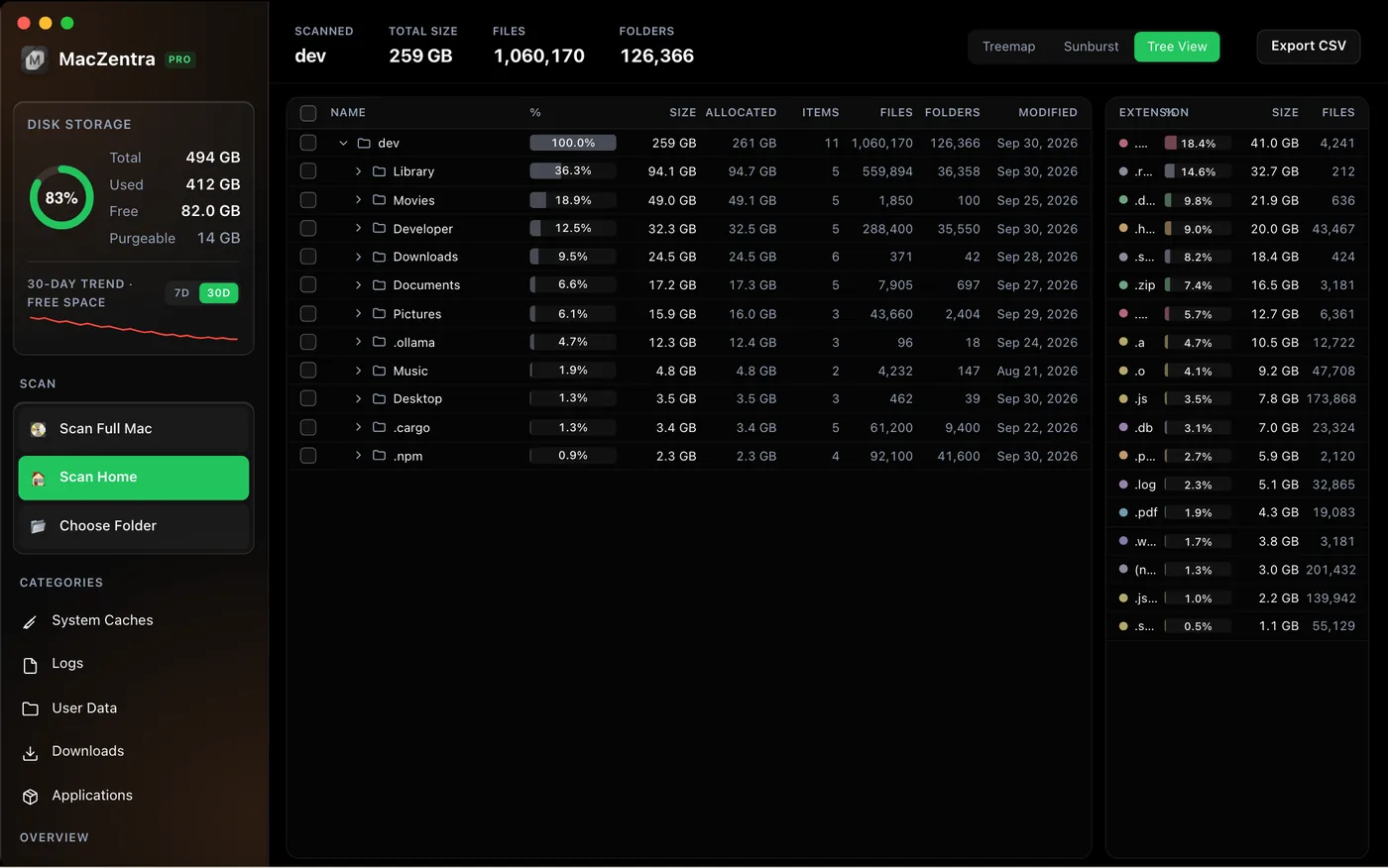
Side by side
| Web version | App Store edition | |
|---|---|---|
| Price | $49.99 once | $19.99 per year |
| Platforms | Mac (Apple silicon) | iPhone, iPad and Mac |
| Scan scope | Whole Mac | Home folder and folders you pick |
| Treemap, Sunburst, Tree View | Yes | Yes |
| Duplicates, large files, junk, uninstaller | Yes | Yes |
| APFS snapshots, startup items | Yes | No |
| Smart Care DNS flush and memory purge | Yes | No |
| Command-line tool and Developer Mode | Yes | No |
| Photo cleaner for iPhone and iPad | No | Yes |
| Licence | Offline key tied to your Mac | Your Apple Account |
Why the web version can do more
Mac App Store apps must run in Apple’s App Sandbox. A sandboxed app can only read the folders you explicitly give it. That is good for safety, but it rules out scanning the whole disk, listing APFS snapshots with system tools, or running the maintenance steps that need administrator rights. The web version is not sandboxed, so it can do all of that. See what the sandbox changes for the details.
Why $49.99 once and $19.99 a year
The web version is a one-time purchase because it is a self-contained Mac app: you pay, you get a licence key checked offline, and that is it.
The App Store edition is priced as a subscription because it spans three platforms and Apple handles billing, renewals and refunds. It is also free to download and scan, so you can see what it finds before you pay anything. One subscription covers your iPhone, iPad and Mac.
Which one should you choose?
| If you… | Pick |
|---|---|
| Only care about your Mac and want to pay once | Web version |
| Need whole-disk scans, snapshots or the command line | Web version |
| Also want to clean photos on your iPhone and iPad | App Store edition |
| Prefer to install and pay through the App Store | App Store edition |
On cost: over three years the web version is $49.99 and the subscription is about $60. If you use only the Mac, the one-time purchase wins after roughly two and a half years.
Everything MacZentra can clean
Treemap and Sunburst disk maps, a duplicate finder, Developer Junk, a complete app uninstaller and more, in one native storage cleaner for Mac that’s about 15 MB.
Explore all features →Related guides
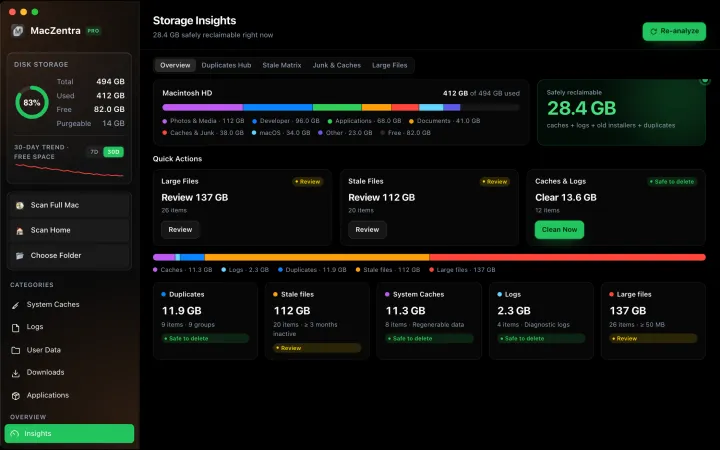
Check storage · 7 min
Best Mac Storage Cleaners 2026: Compared & Ranked
Mac cleaners compared by price, size, scan speed and licence type. One-time-purchase, subscription and free options side by side.
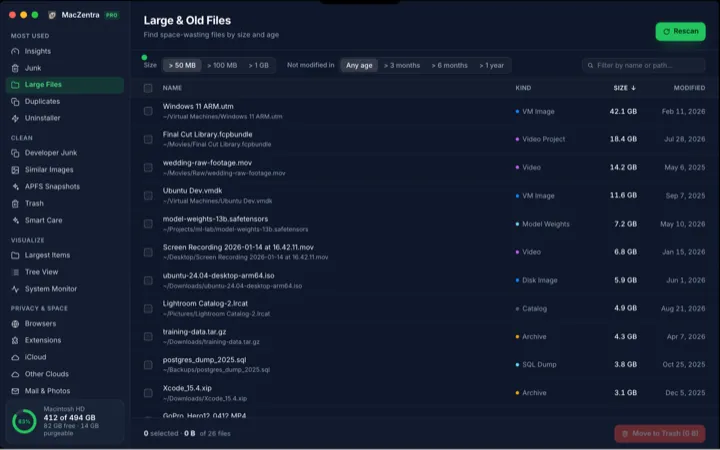
Check storage · 5 min
How to Find Large Files on a Mac: 4 Ways, From Built-in to Terminal
Find the biggest files on your Mac using Storage settings, Finder, Terminal or a treemap. Includes how to spot big folders full of small files.
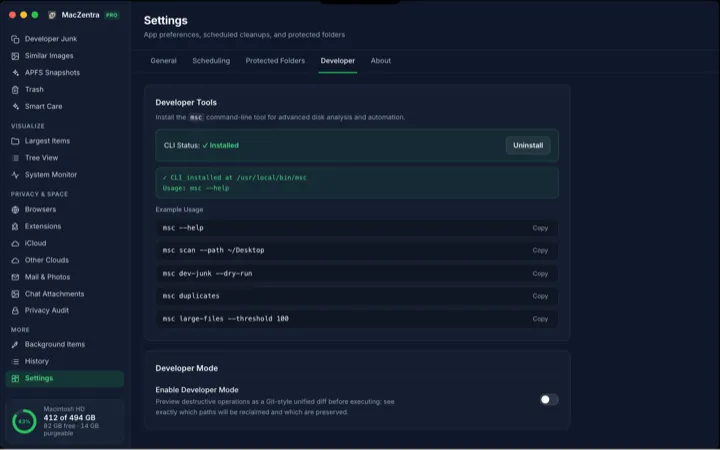
Check storage · 6 min
MacZentra CLI: Command Reference and Use Cases
The msc command runs MacZentra from the terminal. Scan paths, find duplicates, check developer junk and preview deletions without opening the app.
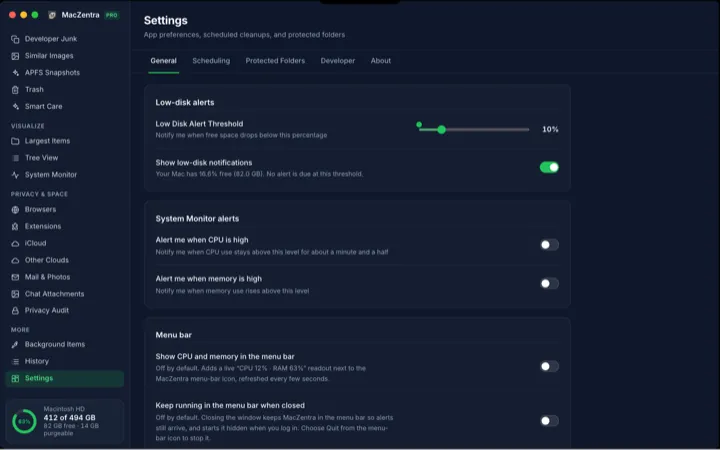
Check storage · 3 min
Low-Disk Alerts from Your Mac's Menu Bar
MacZentra watches free space in the background and sends one native alert when it drops below your threshold. Run Smart Care from the tray.