
Guides
Guides to reclaim storage on your Mac
We build MacZentra and write these guides from what it finds on real Macs. Commands and paths are checked on current macOS before each update.
Free up space
Caches, downloads, large files and leftovers, biggest wins first.
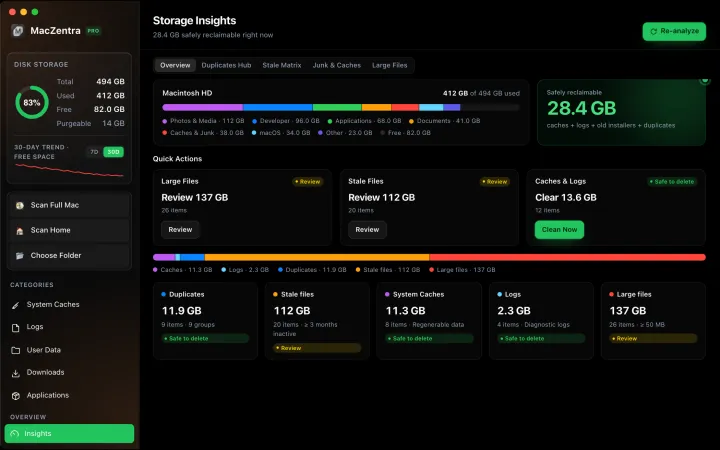
Free up space · 8 min
Free Up Space on Mac: 10 Fixes, Biggest First
Ten ways to free up Mac storage ranked by typical space recovered. Covers hidden Library folders and leftovers macOS Storage settings never show.
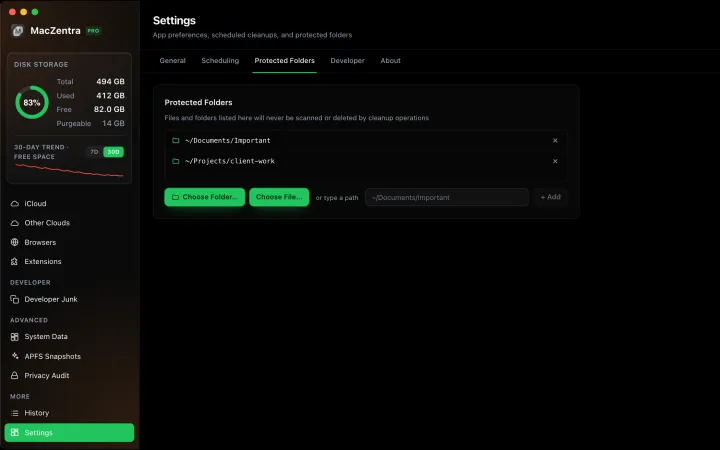
Free up space · 3 min
Protected Files & Folders: Keep Items Safe
How the built-in protected paths guard system-critical locations, and how to add your own custom folders to prevent accidental deletion.
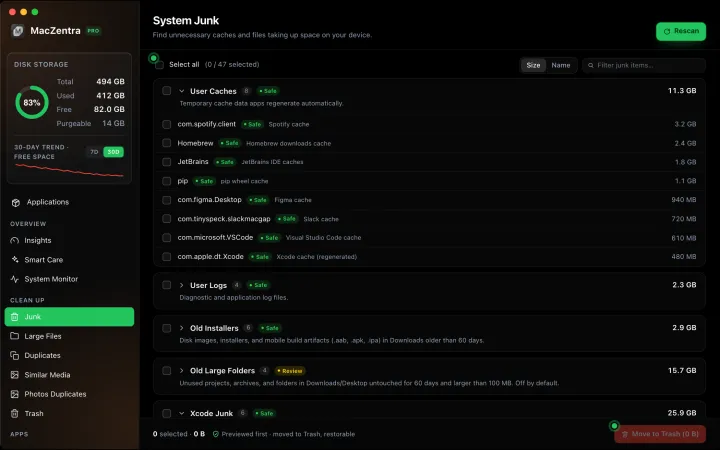
Free up space · 5 min
Is It Safe to Delete Library Caches on Mac? What to Keep and Clear
Yes for most apps. See which ~/Library/Caches and /Library/Caches folders are safe to delete, which to leave alone, and how to clear them step by step.
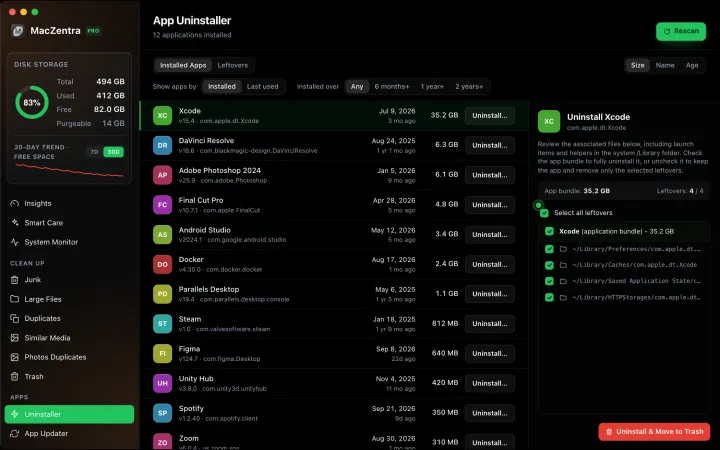
Free up space · 6 min
Uninstall Apps on Mac Completely, Including Leftovers
Dragging to the Trash leaves caches, preferences and support files behind. Remove apps fully and find orphaned leftovers from apps already deleted.
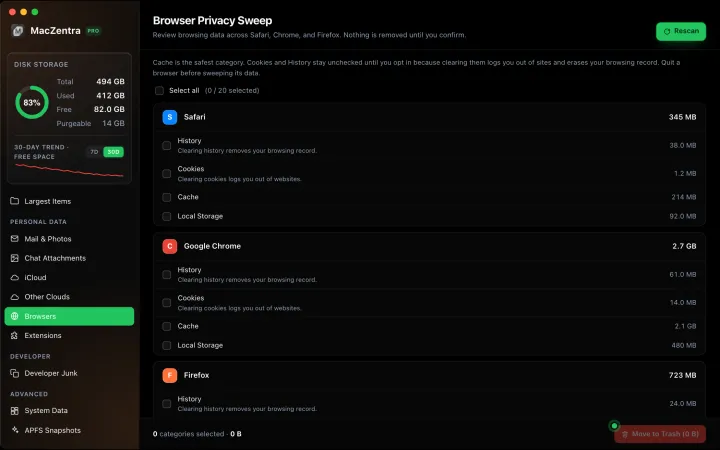
Free up space · 5 min
Clear Browser Cache on a Mac, Safely
Safari, Chrome and Firefox caches hold gigabytes. Where each browser stores cache, history and cookies, how much to clear, and one rule to avoid corruption.
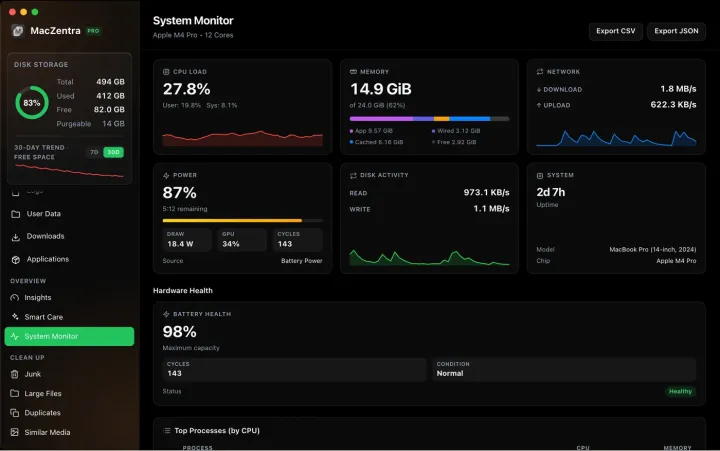
Free up space · 8 min
Find Unused Apps on Mac by Size and Last Opened
Find unused apps on a Mac: sort Applications by Size and Date Last Opened in Finder, check one app with mdls, then delete it with its Library leftovers.
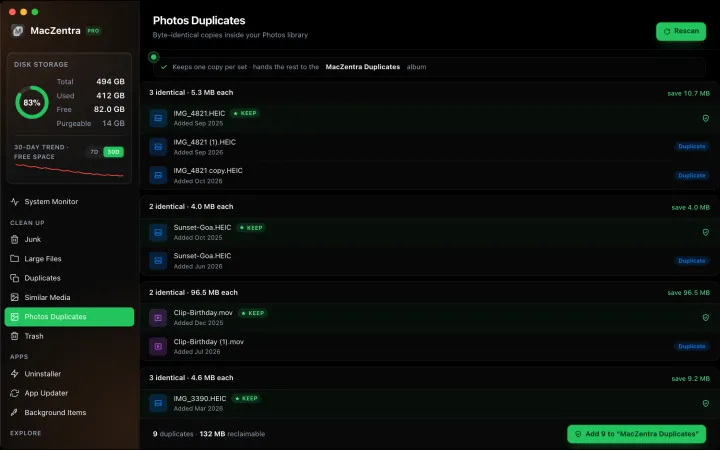
Free up space · 6 min
How to Clear Cache on Mac: System, App, Browser
How to clear cache on Mac for apps, browsers, system and developer tools: which caches are safe to delete, the steps for each, and why they refill.
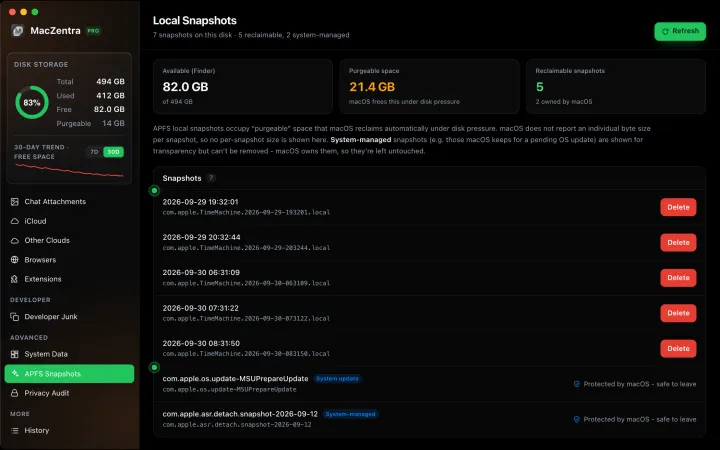
Free up space · 6 min
How to Empty Trash on Mac (and Force It)
How to empty Trash on Mac from the Dock, Finder or keyboard, fix a Trash that won’t empty, and see what recovery is realistic once it’s gone.
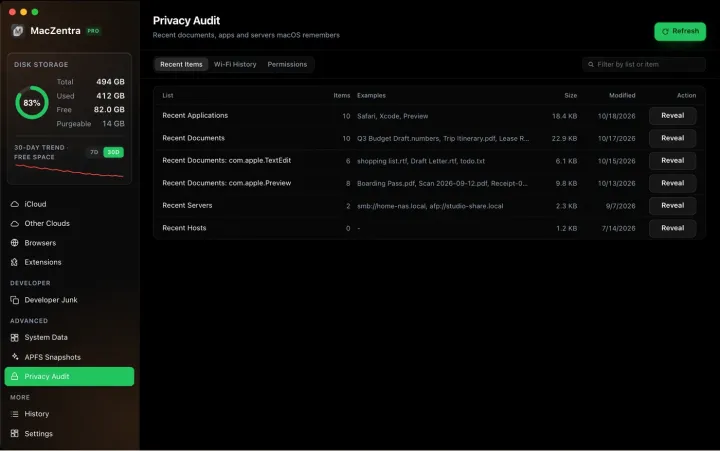
Free up space · 7 min
How to Delete Apps on Mac That Won’t Delete
How to delete apps on Mac that won’t delete: fixes for “item is in use”, built-in apps, App Store apps, admin prompts and login items, by cause.
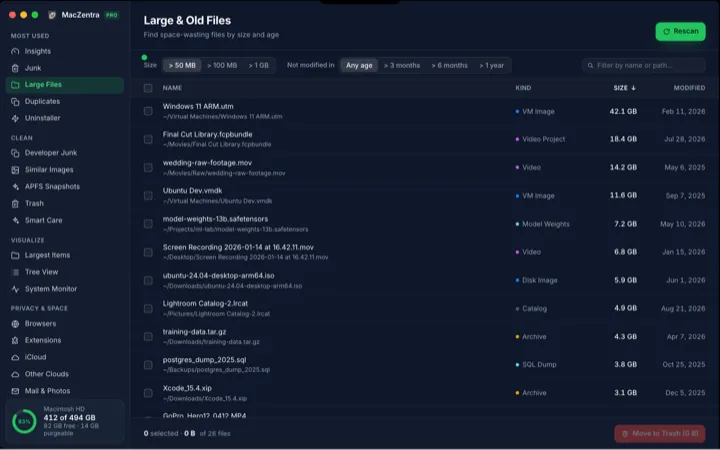
Free up space · 7 min
Startup Disk Full on Mac: What to Delete First
Startup disk full on Mac? Work through the fastest safe fixes in order: Trash, Downloads, big files, caches, old backups and local snapshots.
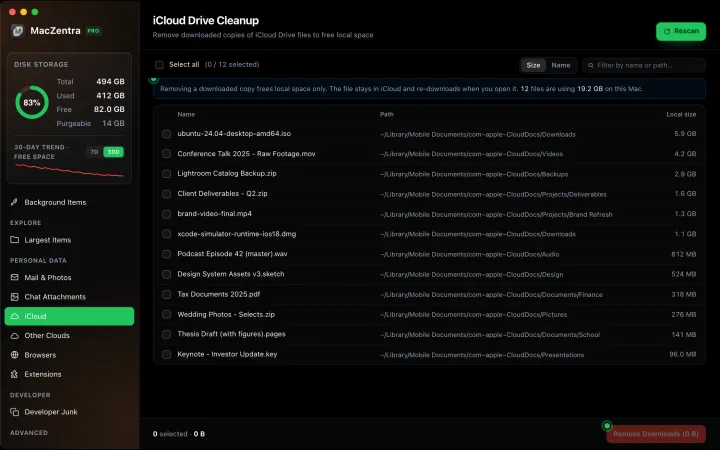
Free up space · 6 min
How to Get More Storage on a Mac: 6 Options
How to get more storage on a Mac: reclaim space, add an external SSD, move Photos, use iCloud or a NAS, and the honest answer on MacBook upgrades.
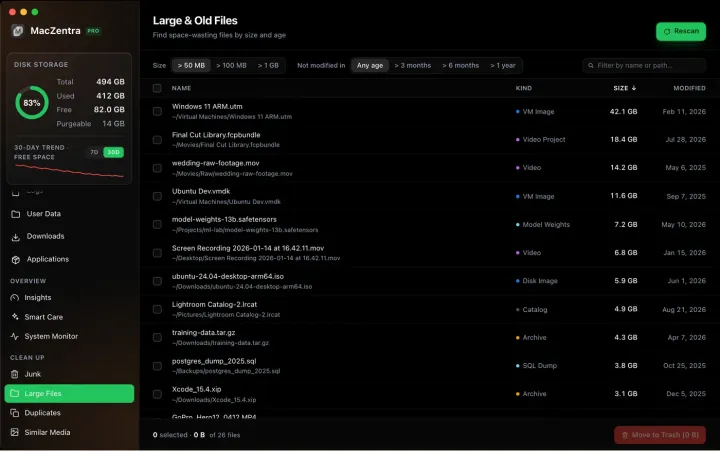
Free up space · 6 min
iCloud Storage Full: How to Free It Up
iCloud storage full? Find what is using it and free it up on iPhone and Mac: old backups, Photos, Drive, Messages and Mail, without a bigger plan.
Free up space · 6 min
Messages Taking Up Space on Mac? How to Fix It
Messages taking up space on Mac is almost all attachments, not text. Find and delete the biggest ones, avoid losing a photo, and see what iCloud changes.
Free up space · 4 min
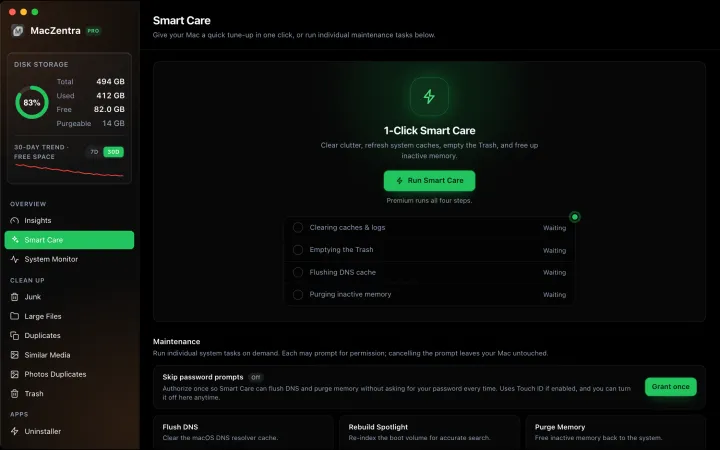
Smart Care for Mac: Automate Cache, Trash and Memory Cleanup
Automate Mac maintenance with Smart Care: clear caches, empty Trash, flush DNS and purge inactive memory in one workflow. Schedule it or run it on demand.
Free up space · 8 min
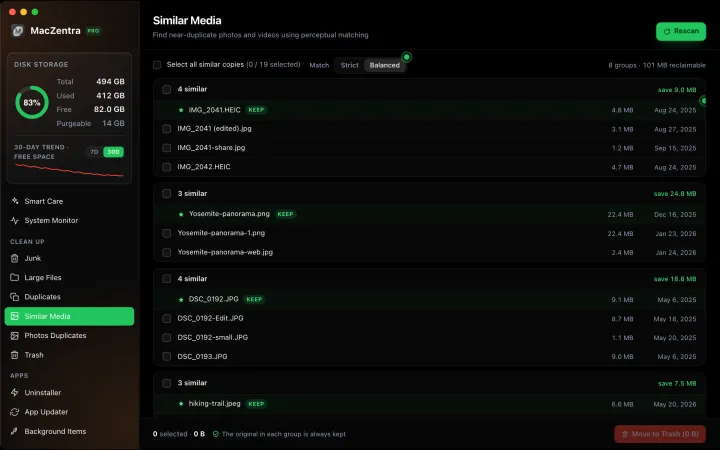
Find and Delete Duplicate Photos on a Mac
Delete duplicate photos on a Mac: the free Photos Duplicates album, a Finder Smart Folder for loose images, and a near-duplicate scan.
Free up space · 6 min
Chrome Browser Cleanup on Mac: Clear the Right Data
There's no Chrome Cleanup Tool for Mac. See where Chrome keeps its cache and profile data, what's safe to clear, and the best ways to reclaim space safely.
Free up space · 9 min
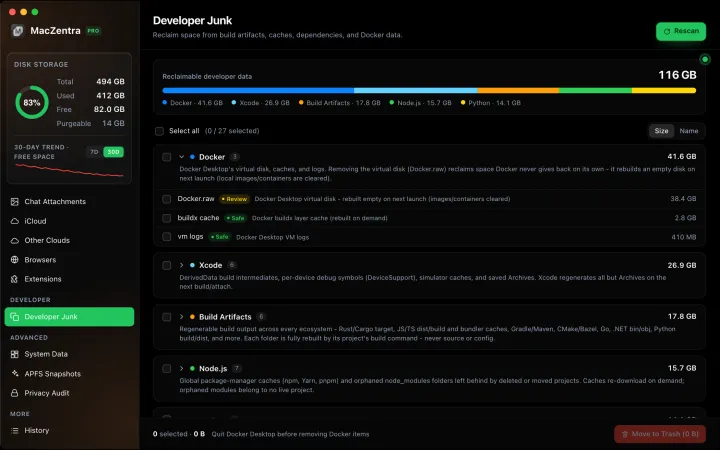
Clear Developer Caches on Mac: Homebrew, pip, Gradle
How to clear developer caches on a Mac: where Homebrew, pip, Gradle, Cargo and CocoaPods store data, the command for each, and what not to delete.
Free up space · 8 min
Large Files on Mac: What's Safe to Delete
Which large files on a Mac are safe to delete, which to leave alone, and a four-question test for the gray area, so you free space without breakage.
Developer junk
Docker, Xcode and node_modules: the folders that quietly grow to tens of gigabytes.
Developer junk · 3 min
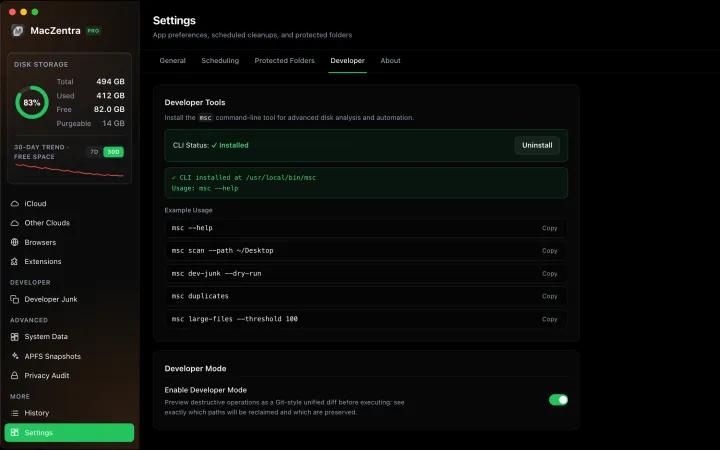
Developer Mode: Preview Deletions as a Git Diff
See exactly what will be deleted before you commit, as a live unified diff. Ideal for auditing risky deletions like Docker.raw or Xcode archives.
Developer junk · 5 min
Shrink Docker.raw on Mac: Reclaim Disk Space Safely
Why Docker.raw grows to tens of gigabytes and how to shrink it: prune images, volumes and build cache, resize the disk, and when to delete it.
Developer junk · 6 min
Delete Every node_modules Folder on Your Mac
List every node_modules folder by size in one command, delete the stale ones, and clear npm, Yarn, pnpm and Bun caches.
Developer junk · 5 min
Xcode DerivedData: What's Safe to Delete
DerivedData is always safe to delete. Three ways to clear it, plus device support, archives and simulators that fill your Mac.
System Data
What the grey bar holds, why it grows and how to shrink it safely.
System Data · 7 min
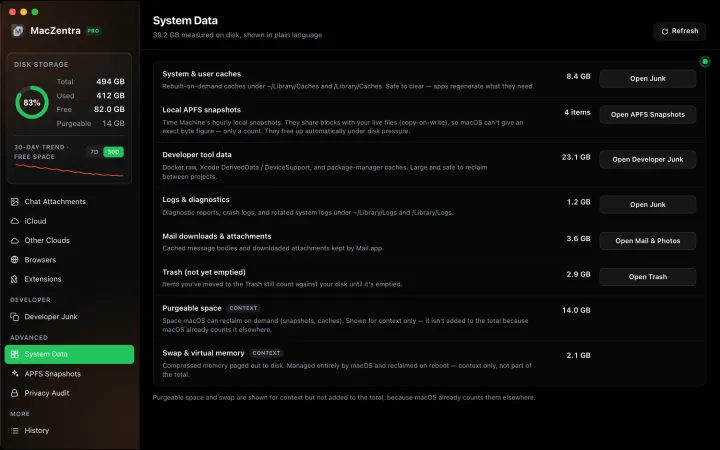
What Is System Data on Mac? And How to Shrink It
What is System Data on Mac? The grey bar in macOS Storage. See what it holds, how much is normal, and why it grows after a macOS update.
System Data · 8 min
How to Clear System Data on Mac: What Is Safe to Delete
How to clear System Data on Mac safely: delete local snapshots, caches, old iPhone backups and developer files, with exact steps and a safe-to-delete table.
System Data · 6 min
iCloud Optimize Mac Storage Without Losing Files
Turn on Optimize Mac Storage or use Remove Download to clear local copies of iCloud Drive files. Nothing is deleted from iCloud, and files re-download on open.
System Data · 6 min
What Is Other in Mac Storage? (Now System Data)
What is Other in Mac storage? Older Macs called it Other, newer ones say System Data. See what it held, what Other Volumes means, and how to shrink it.
System Data · 6 min
How Much Storage Does macOS Take Up?
How much storage macOS takes up on your Mac, how to measure each volume, why System Data looks so big, and how to reclaim space safely.
System Data · 4 min
/Library/Caches vs ~/Library/Caches: What's the Difference?
/Library/Caches is shared by every user; ~/Library/Caches is yours. Real sizes from a Mac we checked, why the sticky bit matters, and which one to clear.
System Data · 5 min
What Is /var/folders on Mac? Why It Uses GBs
What /private/var/folders holds, the 0, C, T and X folders, real sizes from a Mac we checked, and what is safe to clear. Includes the commands to measure it.
System Data · 4 min
mds_stores on Mac: Spotlight Index, Disk and CPU Use
What mds, mds_stores and mdworker are, where the Spotlight index lives, why they use disk and CPU, and how to check or rebuild the index with mdutil.
System Data · 6 min
Other Users and Shared on Mac Storage Explained
What Other Users and Shared means in Mac Storage settings, how to find which account or folder is big, and how to safely reclaim the space.
System Data · 5 min
APFS Local Snapshots: Hidden Space in System Data
Local Time Machine and macOS update snapshots can hold tens of gigabytes. How to list them, which to delete, and why "purgeable" space isn't free yet.
Check storage
What the built-in tools show you, and what they leave out.
Check storage · 5 min
Find Large Files on Mac: 4 Ways, Built-in to Terminal
The fastest ways to find large files on a Mac: Storage settings, a Finder search, one Terminal command, or a treemap. Steps and commands for each.
Check storage · 9 min
Best Mac Storage Cleaners 2026: Compared & Ranked
Mac storage cleaners and disk space analyzers compared by price, size, scan speed and licence. One-time, subscription and free options side by side.
Check storage · 6 min
MacZentra CLI: Command Reference and Use Cases
The msc command runs MacZentra from the terminal. Scan paths, find duplicates, check developer junk and preview deletions without opening the app.
Check storage · 5 min
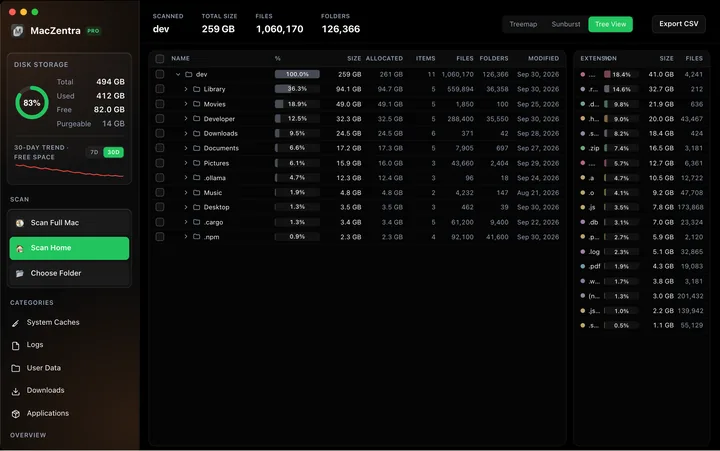
Mac Disk Usage Analyzer: Read a Treemap and Sunburst
How to read a Mac disk usage analyzer: Treemap, Sunburst and Tree View explained, what to check first, and a Terminal command to find big folders.
Check storage · 7 min
How to Check Storage on Mac: 5 Ways
Check storage on any Mac in under a minute: five built-in ways, what each colour in the storage bar means, and how to find what is using the space.
Check storage · 6 min
Mac Storage Optimization That Actually Works
What macOS storage optimization really cleans, what it leaves behind, and how to reclaim the rest of your disk without a subscription.
Check storage · 7 min
Mac Storage Not Freeing Up After Deleting Files
Deleted files but Mac storage didn't change? Six causes, from the Trash and Photos to local snapshots and purgeable space, each with a fix to free it.
Check storage · 7 min
Why Is My Mac Running Slow? 9 Causes
Why is my Mac running slow? Nine causes, from a full disk to heat, each with a built-in way to confirm it in Activity Monitor and a free fix.
Check storage · 6 min
Memory vs Storage on Mac: What’s the Difference?
Memory vs storage on Mac explained: how to check each, what “out of application memory” and “disk almost full” mean, and why a full disk hurts memory.
Check storage · 4 min
Mole Mac Cleaner: What It Is and How It Compares
Mole is a free, open-source Mac cleaner you run from Terminal. See what it does, how it installs and how it compares with MacZentra.
Check storage · 5 min
MacZentra App Store vs Web Version: Differences and Pricing
How the App Store edition (free, $19.99/year) differs from the $49.99 lifetime web version: features, limits, why the prices differ, and which to pick.
Check storage · 4 min
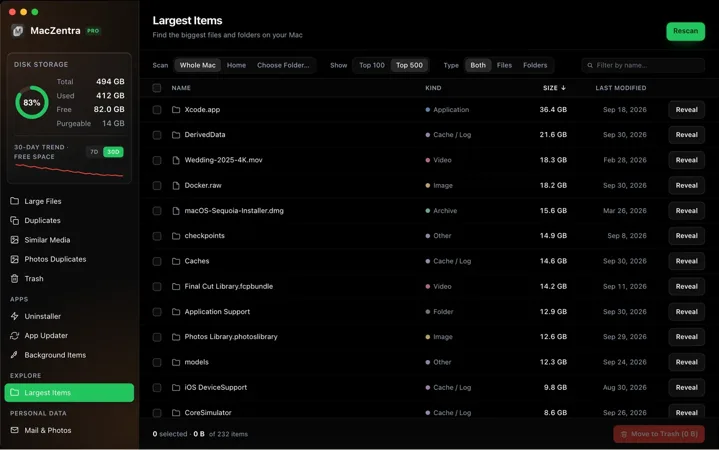
Mac App Store Sandbox: What a Cleaner Can and Can't Do
Why a Mac App Store storage cleaner can't scan your whole disk, what the App Sandbox blocks, and what still works in the MacZentra App Store edition today.
Check storage · 4 min
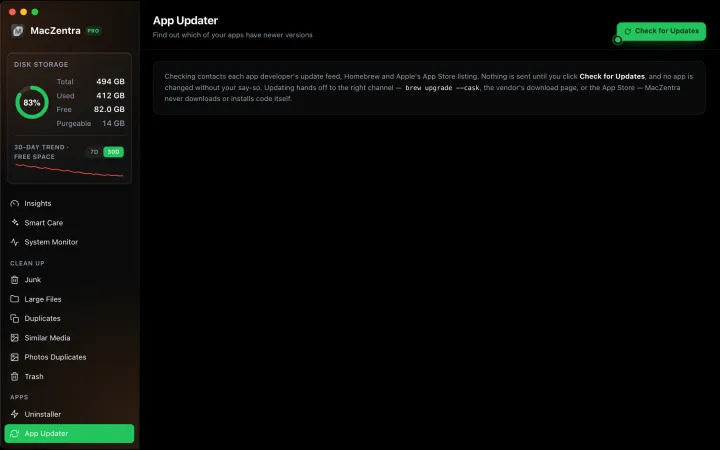
Mac App Updater: Homebrew, Sparkle, App Store
MacZentra's App Updater finds apps with a newer version and hands each update to Homebrew, the developer's feed or the Mac App Store. Read-only until you click.
Check storage · 3 min
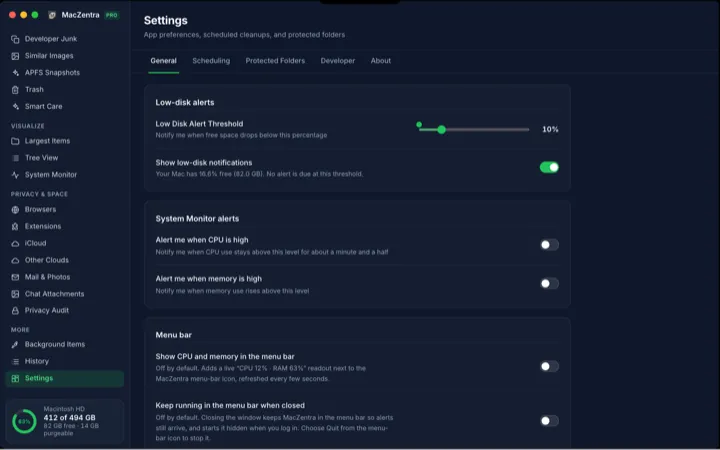
Low-Disk Alerts from Your Mac's Menu Bar
MacZentra watches free space in the background and sends one native alert when it drops below your threshold. Run Smart Care from the tray.
Check storage · 6 min
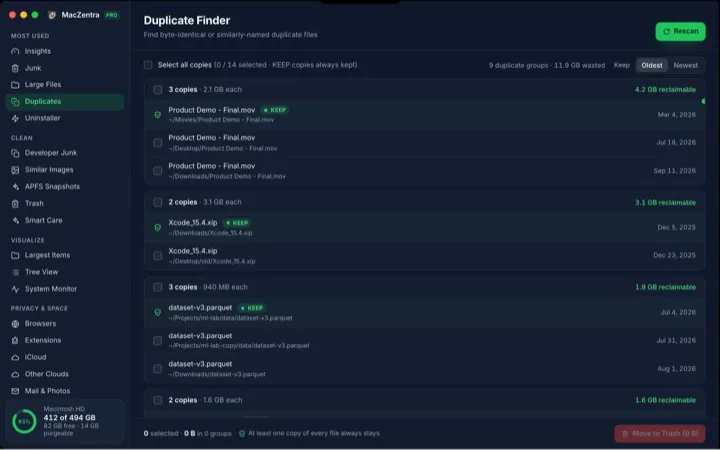
How to Find and Delete Duplicate Files on a Mac
Find true byte-for-byte duplicate files on a Mac. How staged hashing works, why the same name is not enough, and how to delete copies but keep the original.
Free up space
Caches, downloads, large files and leftovers, biggest wins first.
Free up space · 6 min
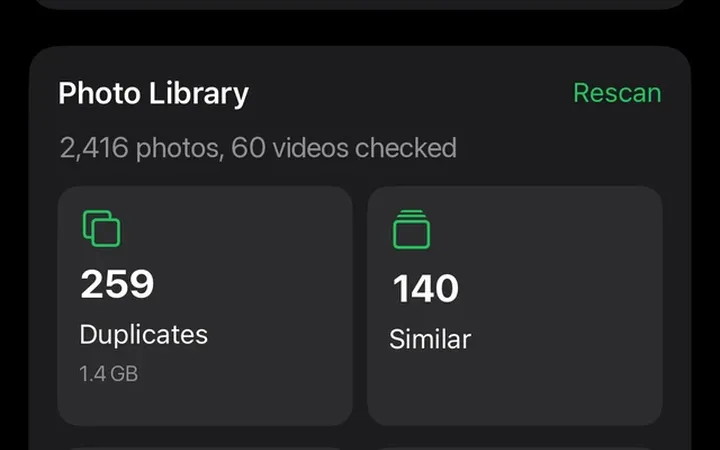
Clean Up iPhone Photos: Duplicates and Screenshots
Free up iPhone and iPad storage by finding duplicate and similar photos, screenshots and large videos, with a safe delete flow and 30 days in Recently Deleted.
Free up space · 6 min
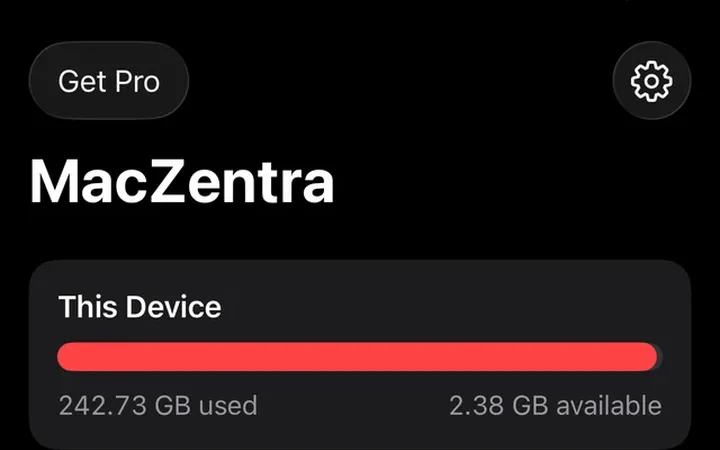
iPhone Storage Full: What to Do First
iPhone storage full? Empty Recently Deleted, offload apps and trim Messages attachments. Seven built-in fixes, quickest first, with exact Settings paths.

Free up space · 6 min
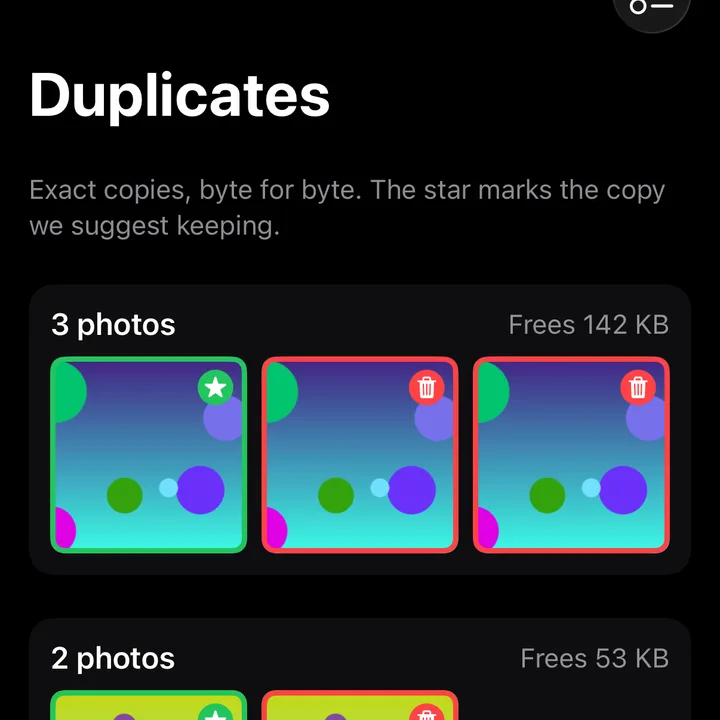
How to Delete Duplicate Photos on iPhone
How to delete duplicate photos on iPhone with the built-in Duplicates album and Merge, plus what to do about similar shots and bursts.
Free up space · 6 min
How to Get More Storage on iPhone (Not iCloud)
How to get more storage on iPhone: the capacity can’t be bought later, so here are five real options, from free fixes to external drives, in order.
Free up space · 6 min
iPhone Storage Full With iCloud? Here’s Why
Why is iPhone storage full when I have iCloud? iCloud syncs but doesn’t offload by default. See the Optimize iPhone Storage setting and what it frees.

Free up space · 7 min
How to Compress a Video on iPhone and Mac
How to compress a video on iPhone and Mac with built-in tools: QuickTime export, Camera settings and trimming, and what each one costs in quality.
Free up space · 6 min
How to Clear App Cache on iPhone
How to clear app cache on iPhone: three methods that work, why Offload App keeps Documents and Data, and what each one costs in logins and downloads.

Free up space · 6 min
How to Find and Delete Screenshots on iPhone
How to find screenshots on iPhone in Photos, select hundreds at once, delete them, and empty Recently Deleted so the space comes back.
System Data
What the grey bar holds, why it grows and how to shrink it safely.
Check storage
What the built-in tools show you, and what they leave out.
Check storage · 6 min
How to Check iPhone Storage and Read the Bar
How to check iPhone storage: Settings, General, iPhone Storage. Learn what each bar colour means, how to read the app list and why iCloud space differs.

Check storage · 7 min
How to Recover Deleted Photos on iPhone
How to recover deleted photos on iPhone: Recently Deleted, iCloud.com, backups and shared copies, plus the honest answer on permanently deleted photos.