Check storage
Best Mac Storage Cleaners in 2026: Compared and Ranked
The MacZentra team · Updated Oct 5, 2026 · 7 min read
The best Mac storage cleaner is the one that shows you exactly where your space went, lets you reclaim it safely, and doesn't cost you a subscription every year. Below are the tools worth knowing in 2026, what each is good at, and an honest side-by-side on price, size and speed. If you want the short version: for a lightweight, one-time-purchase cleaner built for power users, we built MacZentra to be exactly that.
How we ranked them
A storage cleaner lives or dies on three things: can you trust it near your files, can you see what it's doing, and does it cost a fair price. We weighted safety (does it preview changes, does it use the Trash), visualization (can you actually see where space went), and value (one-time vs. subscription, and how heavy the app is). Everything below runs natively on Apple silicon.
1. MacZentra - best all-around cleaner for everyday users, power users, and developers
MacZentra balances zero-risk simplicity with surgical disk control. For everyday users, it offers safe, one-click space reclamation where files move directly to the macOS Trash, ensuring nothing is ever accidentally lost, alongside intuitive visual disk maps and duplicate photo finders. For power users and developers, it provides byte-for-byte duplicate hashing, interactive Treemap and Sunburst analyzers, and dedicated cleanup engines for bloated developer caches like Docker, Xcode Derived Data, node_modules and Conda environments. Engineered natively at under 10 MB without Electron bloat, MacZentra offers completely free scanning and visual exploration, unlocked for lifetime cleaning with a single one-time purchase - no recurring subscriptions, ever.
2. CleanMyMac - the all-in-one, on a subscription
CleanMyMac is the best-known Mac cleaner and bundles a lot: cache cleanup, a malware scan, an uninstaller and maintenance tasks under one dashboard. It's polished and approachable. The trade-offs are subscription-led pricing and a larger install than a focused tool. If you want a single app that does a bit of everything and don't mind renting it, it's a reasonable pick.
3. DaisyDisk - the beautiful disk map
DaisyDisk is the gold standard for seeing where your space went: a fast, gorgeous radial scan you drag files out of. It's a one-time purchase and refreshingly simple. It's a visualizer first, though - it doesn't find duplicates, developer junk or app leftovers, so you'll often pair it with another tool to actually clean.
4. AppCleaner - the free uninstaller
AppCleaner is a small, free utility that does one job well: drag an app onto it and it finds the app's leftover caches, preferences and support files so you can remove them together. It's not a disk visualizer or a general cleaner, but as a free, focused uninstaller it's hard to argue with.
The honest side-by-side
MacZentra's figures are measured on our own builds. For the other tools we only state the pricing model and a general size class, because exact prices and sizes change between releases - check each vendor's site for current numbers. We haven't benchmarked their scan speed, so we don't list one.
| Tool | Price | Installed size | Scan speed | Licence type |
|---|---|---|---|---|
| MacZentra | $39.99 | Under 10 MB | Full disk in ~20–25 s | One-time purchase |
| CleanMyMac | Paid (subscription-led) | Larger than 10 MB | Not benchmarked | Subscription |
| DaisyDisk | Paid | Small | Not benchmarked (map only) | One-time purchase |
| AppCleaner | Free | Small | N/A (per-app) | Free |
So which should you pick?
- Want to pay once and clean like a pro? MacZentra - Treemap + Sunburst, duplicates, developer junk and an uninstaller in a sub-10 MB app, one price. See the CleanMyMac comparison or the DaisyDisk comparison.
- Want one dashboard and don't mind a subscription? CleanMyMac.
- Just want to see where space went? DaisyDisk.
- Only need to uninstall an app cleanly? AppCleaner (free).
Everything MacZentra can clean
Treemap and Sunburst disk maps, a duplicate finder, Developer Junk, a complete app uninstaller and more, in one native storage cleaner for Mac under 10 MB.
Explore all features →Related guides
Check storage · 5 min
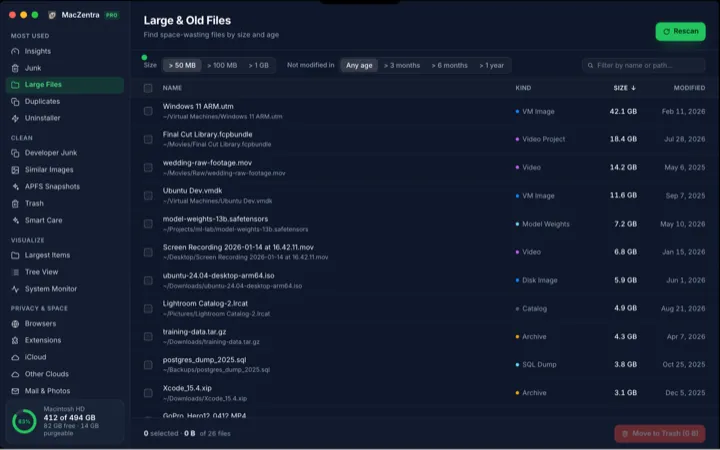
How to Find Large Files on a Mac: 4 Ways, From Built-in to Terminal
Find the biggest files on your Mac with Storage settings, a Finder size search, Terminal, or a map drawn to scale, plus how to spot big folders full of small files.
Check storage · 6 min
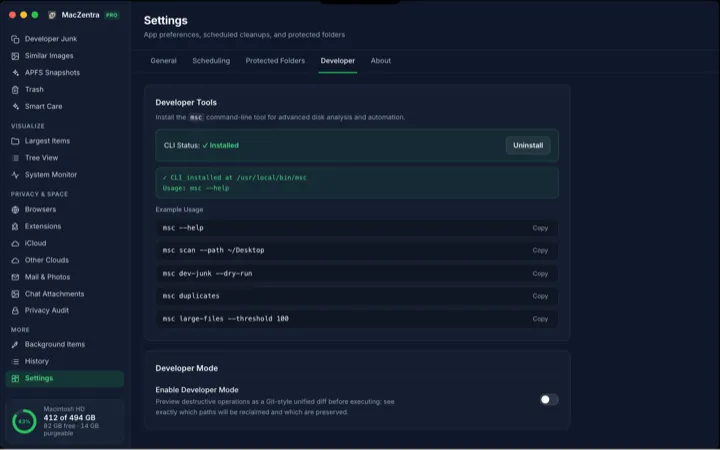
MacZentra CLI: Command Reference and Use Cases
The `msc` command brings the same engine to your terminal. Scan specific paths, find duplicates, locate developer junk, and run dry-run previews-all without opening the app.
Check storage · 3 min
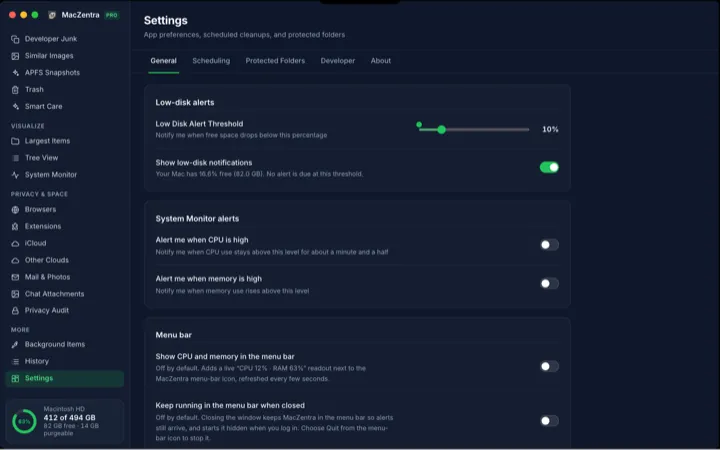
Low-Disk Alerts from Your Menu Bar: Never Run Out of Space
MacZentra watches your free space in the background and fires a single native notification when it drops below your threshold. Configure the alert and run Smart Care from the tray.
Check storage · 6 min
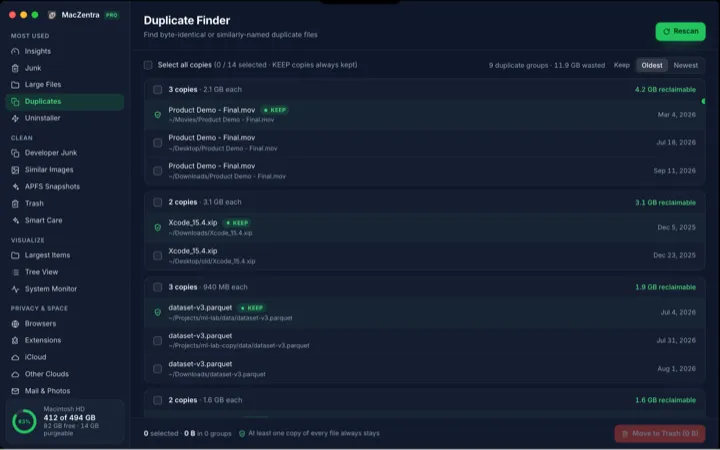
How to Find and Delete Duplicate Files on a Mac
Duplicate files waste gigabytes. How to find true byte-for-byte duplicates safely (not just same-name files), why fast tools stage their checks, and how to delete the copies without losing the original.