
Developer junk
Delete Every node_modules Folder on Your Mac
The MacZentra team · Updated Nov 10, 2026 · 6 min read
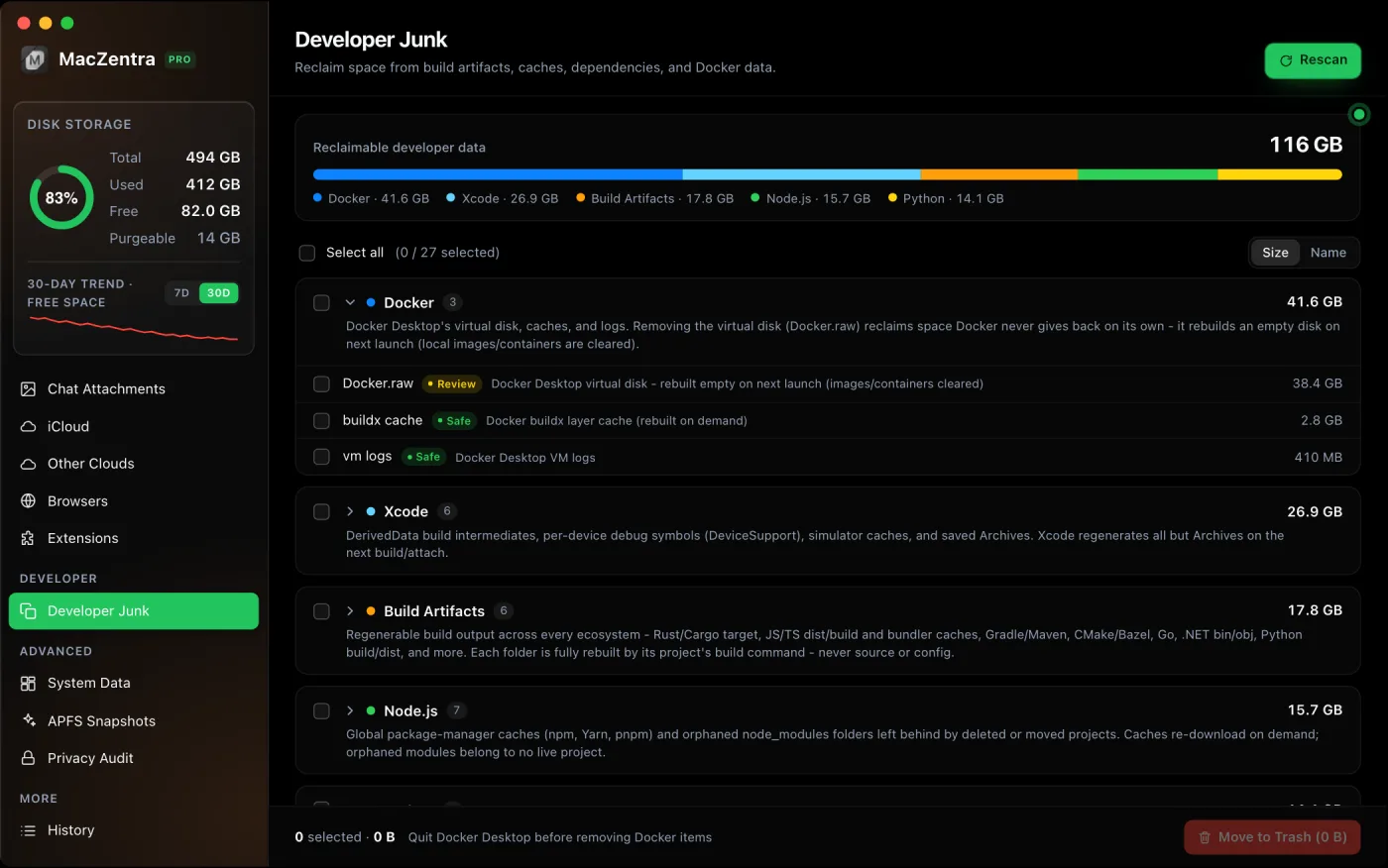
Every JavaScript project keeps its own node_modules folder, often 200 MB to over 1 GB each, and they stay behind long after you’ve stopped working on a project. One Terminal command lists them all with sizes; deleting the ones you don’t need is safe because npm install recreates them from the project’s package.json.
Find every node_modules folder and its size
Point find at the folder where you keep your code. -prune stops it from descending into each node_modules, so nested ones aren’t counted twice:
# Replace ~/Projects with wherever your code lives (or ~ for everything)find ~/Projects -type d -name node_modules -prune -exec du -sh {} + 2>/dev/null | sort -h
The biggest folders are listed last. Searching your whole home folder (~) works too but is slower, because it also walks ~/Library.
Delete the ones you don’t need
Deleting node_modules never touches your source code. When you come back to a project, npm install (or npm ci, yarn, pnpm install) rebuilds it. Remove one folder at a time:
rm -rf ~/Projects/old-app/node_modules
Or clear every one that hasn’t changed in 90 days, after checking the list first:
# 1. Previewfind ~/Projects -type d -name node_modules -prune -mtime +90# 2. Delete (no undo)find ~/Projects -type d -name node_modules -prune -mtime +90 -exec rm -rf {} +
Clear the package manager caches too
Each package manager also keeps a global download cache so installs are faster. These are safe to clear; the only cost is re-downloading packages on the next install.
| Tool | Clear the cache | Where it lives |
|---|---|---|
| npm | npm cache clean --force | ~/.npm |
| Yarn 1 | yarn cache clean | ~/Library/Caches/Yarn |
| Yarn 2+ | yarn cache clean --all | Per project, plus a global cache |
| pnpm | pnpm store prune | ~/Library/pnpm/store |
| Bun | bun pm cache rm | ~/.bun/install/cache |
pnpm is the gentlest: store prune only removes packages no project references any more.
How much space can you get back?
On a Mac used for web development, node_modules folders and package caches together commonly add up to 10 to 50 GB. If that’s your main culprit, also check Docker.raw and Xcode’s DerivedData, the other two developer folders that grow without limit.
pnpm and monorepos: why deleting frees less than du shows
pnpm doesn't copy packages into each project. Its node_modules folders are mostly hard links into one shared store, so the same bytes appear in many places. Deleting one project's node_modules frees little; the space only comes back when pnpm store prune removes packages nothing references. Measure the store itself to see the real total:
du -sh "$(pnpm store path)"
In a monorepo, delete the root node_modules and every workspace one together, then reinstall from the root, so the lockfile rebuilds them consistently.
Keep node_modules out of Time Machine
Backing up thousands of reinstallable files slows Time Machine and fills the backup disk. You can exclude a folder with Apple's own tool:
tmutil addexclusion ~/Projects/my-app/node_modules# Check ittmutil isexcluded ~/Projects/my-app/node_modules
The exclusion is stored on the folder itself, so a fresh npm install after deleting it creates a new folder that is backed up again. Re-run the command after reinstalling, or exclude your whole projects folder in System Settings → General → Time Machine → Options if your code is already in git.
Questions people ask
Is it safe to delete node_modules?
Yes, as long as the project still has its package.json, and ideally its lockfile (package-lock.json, yarn.lock, pnpm-lock.yaml or bun.lock). Keep the lockfile: it makes the reinstall pick the exact same versions.
Should I delete the global node_modules?
No. npm root -g shows where globally installed tools live, and deleting that folder removes command-line tools you installed with npm install -g. Uninstall the ones you don't use with npm uninstall -g instead.
Will deleting it break a running dev server?
Yes, until you reinstall. Stop the dev server, delete the folder, run the install, then start it again.
Everything MacZentra can clean
Treemap and Sunburst disk maps, a duplicate finder, Developer Junk, a complete app uninstaller and more, in one native storage cleaner for Mac that’s 15.4 MB.
Explore all features →Related guides
Developer junk · 3 min
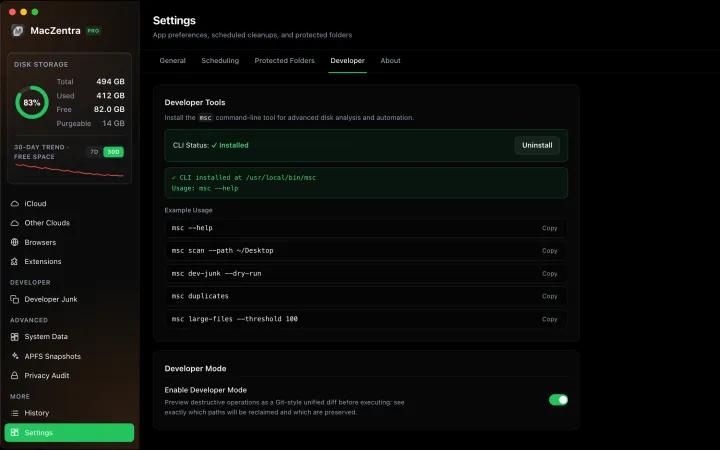
Developer Mode: Preview Deletions as a Git Diff
See exactly what will be deleted before you commit, as a live unified diff. Ideal for auditing risky deletions like Docker.raw or Xcode archives.
Developer junk · 5 min
Shrink Docker.raw on Mac: Reclaim Disk Space Safely
Why Docker.raw grows to tens of gigabytes and how to shrink it: prune images, volumes and build cache, resize the disk, and when to delete it.
Developer junk · 5 min
Xcode DerivedData: What's Safe to Delete
DerivedData is always safe to delete. Three ways to clear it, plus device support, archives and simulators that fill your Mac.
Check storage · 9 min
Best Mac Storage Cleaners 2026: Compared & Ranked
Mac storage cleaners and disk space analyzers compared by price, size, scan speed and licence. One-time, subscription and free options side by side.