Check storage
Mac App Store Sandbox: What a Cleaner Can and Can't Do
The MacZentra team · Updated Oct 21, 2026 · 4 min read
If you compare a storage cleaner from the Mac App Store with one you download directly, the App Store one often does less. That is not laziness: it comes from the App Sandbox, a rule every Mac App Store app must follow. Here is what the sandbox is, and how it shapes the MacZentra App Store edition.
What the App Sandbox does
A sandboxed app runs in a small walled area. It can read and write only inside its own container and inside folders you hand it through the standard Open panel. It cannot reach into other apps’ data, run administrator commands, or read system folders on its own.
What changes for a storage cleaner
| Task | Web version | App Store edition |
|---|---|---|
| Scan the whole disk | Yes, with Full Disk Access | Home folder and folders you choose |
| List APFS snapshots | Yes | No |
| Flush DNS, purge memory | Yes, with your password | No |
| Manage startup items | Yes | No |
| Command-line tool | Yes | No |
| Move files to the Trash | Yes | Yes, through a system bridge |
What still works
Plenty. You grant your Home folder once, and the App Store edition draws the Treemap, Sunburst and Tree View, finds large files, duplicates, similar photos and developer junk, clears caches and uninstalls apps. Every deletion goes to the Trash and appears in History, where you can undo it.
Why this is also a benefit
The sandbox limits what any bug could touch. You decide which folders the app can see, and you can remove that access in Settings at any time. For many people that trade-off is worth it, especially when the same subscription also covers an iPhone and iPad.
Everything MacZentra can clean
Treemap and Sunburst disk maps, a duplicate finder, Developer Junk, a complete app uninstaller and more, in one native storage cleaner for Mac that’s about 15 MB.
Explore all features →Related guides
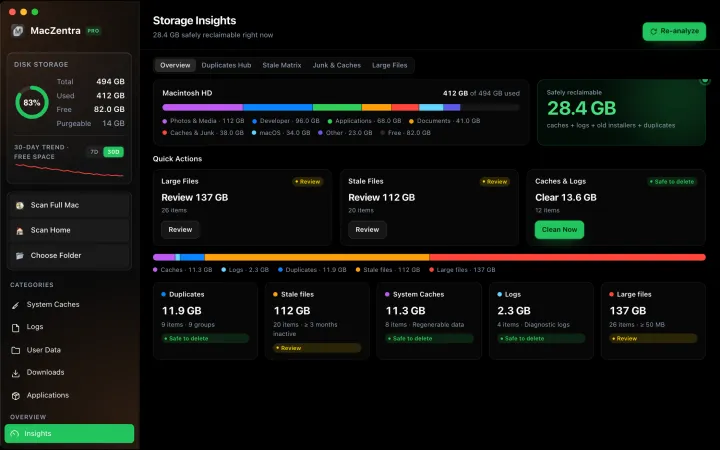
Check storage · 7 min
Best Mac Storage Cleaners 2026: Compared & Ranked
Mac cleaners compared by price, size, scan speed and licence type. One-time-purchase, subscription and free options side by side.
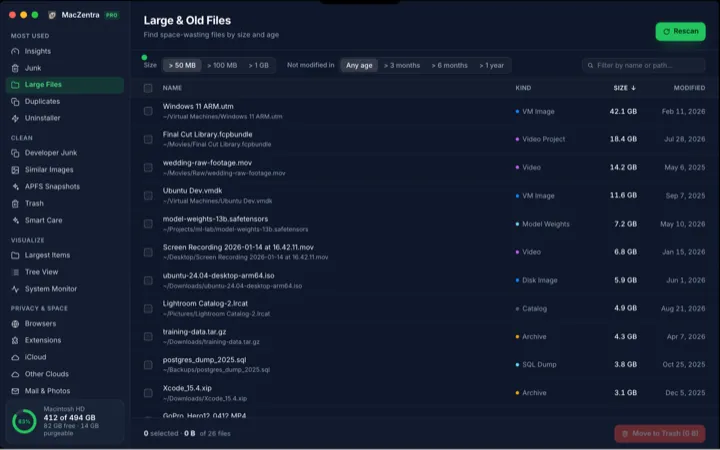
Check storage · 5 min
How to Find Large Files on a Mac: 4 Ways, From Built-in to Terminal
Find the biggest files on your Mac using Storage settings, Finder, Terminal or a treemap. Includes how to spot big folders full of small files.
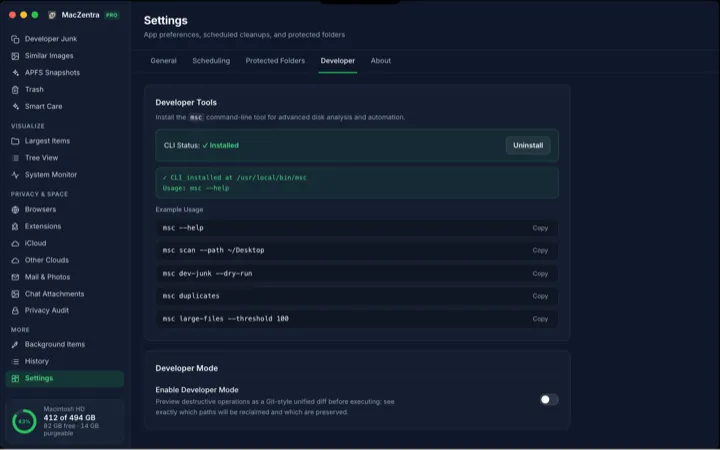
Check storage · 6 min
MacZentra CLI: Command Reference and Use Cases
The msc command runs MacZentra from the terminal. Scan paths, find duplicates, check developer junk and preview deletions without opening the app.
Check storage · 3 min
Low-Disk Alerts from Your Mac's Menu Bar
MacZentra watches free space in the background and sends one native alert when it drops below your threshold. Run Smart Care from the tray.