Free up space
How to Clean Up iPhone Photos: Duplicates, Screenshots and Videos
The MacZentra team · Updated Oct 21, 2026 · 5 min read
Photos are usually the biggest thing on an iPhone you can actually clean up. Duplicates, near-identical shots, old screenshots and large videos pile up for years. This guide shows how to find them and free space on your iPhone and iPad without losing the shots you care about.
Where the space goes
- Duplicates. The same photo saved twice, from a re-download or an import.
- Similar photos. Bursts and retakes where you only need the best one.
- Screenshots. Hundreds of them, most never opened again.
- Videos. A few long clips often take more space than thousands of photos.
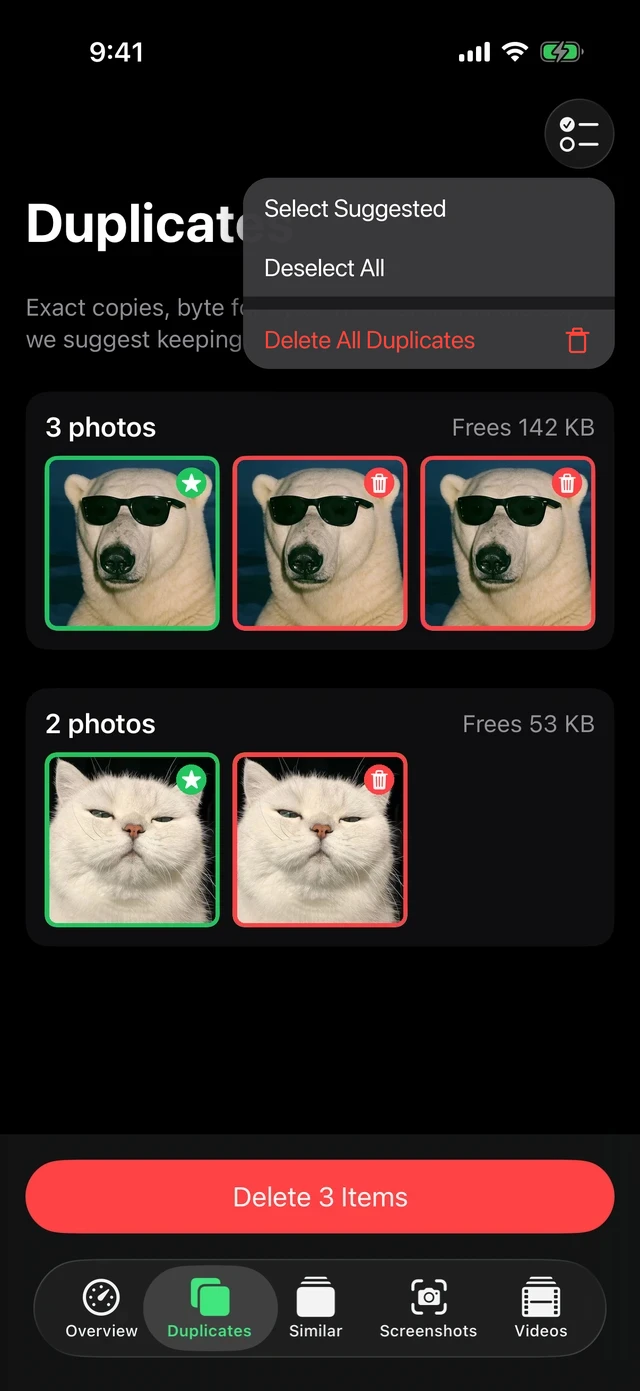
Clean up in four steps
- Open MacZentra on your iPhone and allow access to your photo library. Nothing is uploaded; analysis happens on the device.
- Wait for the scan. The Overview shows duplicates, similar photos, screenshots and videos with their sizes.
- Open a category and review the groups. Keep the best photo in each group.
- Delete. iOS asks you to confirm, and deleted items stay in Recently Deleted for 30 days.
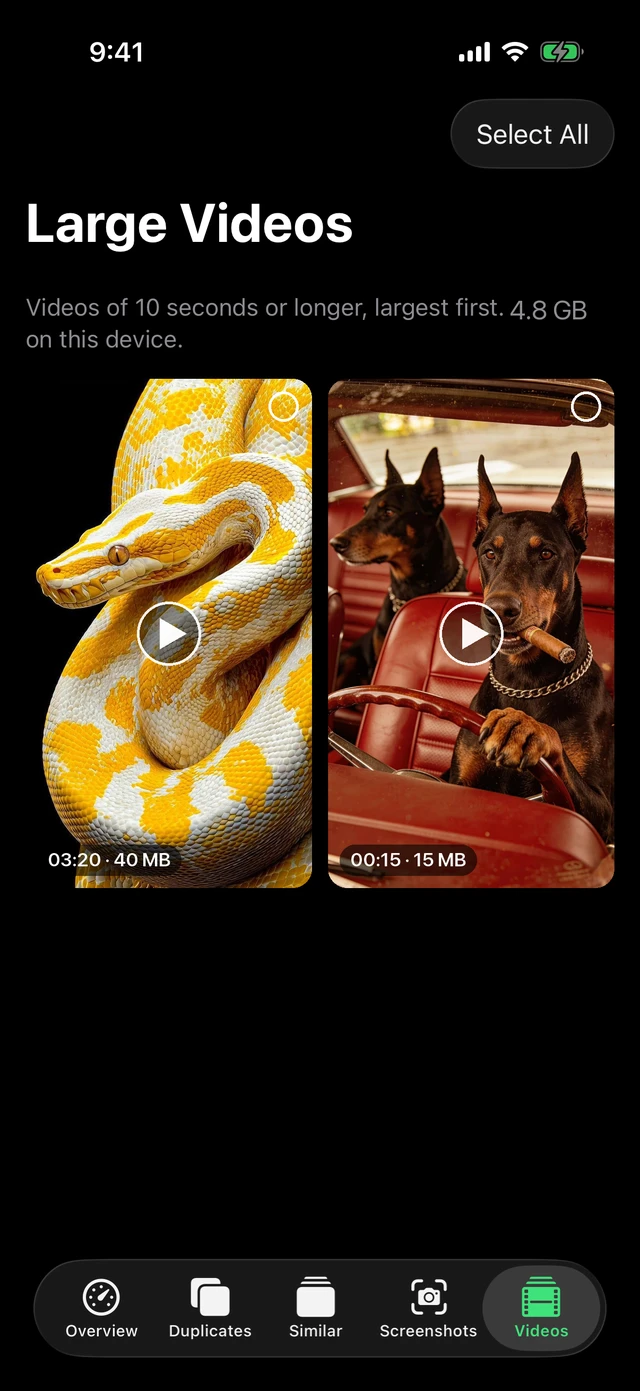
Videos: compress before you delete
You can often keep a video and still reclaim space. MacZentra can compress a video to 1080p HEVC and save it as a new copy or replace the original. A 40 MB clip can come out around half the size.
What is free and what needs Pro
Scanning, the storage map, history, swipe review and deleting exact duplicates are free. Pro ($19.99 per year) unlocks bulk deletion of similar photos, screenshots and videos, video compression, Live Photo to still, contact merging, calendar cleanup and the private vault. One subscription also covers the Mac App Store edition.
Cleaning a Mac too? Read App Store edition vs web version to pick the right Mac edition.
Everything MacZentra can clean
Treemap and Sunburst disk maps, a duplicate finder, Developer Junk, a complete app uninstaller and more, in one native storage cleaner for Mac that’s about 15 MB.
Explore all features →Related guides
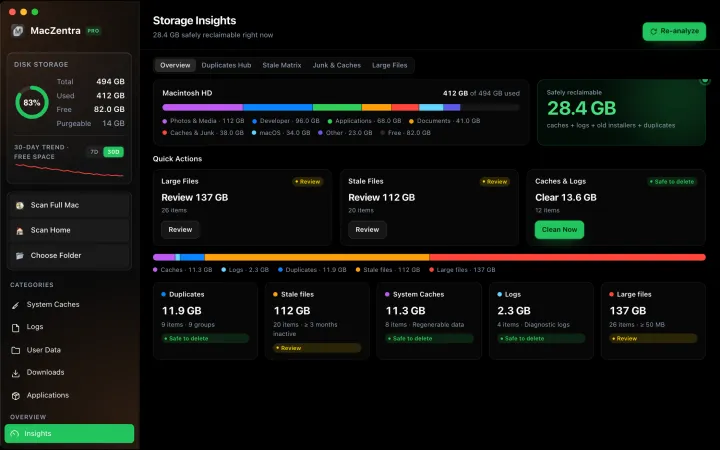
Free up space · 8 min
Free Up Space on Mac: 10 Fixes, Biggest First
Ten ways to free up Mac storage ranked by typical space recovered. Covers hidden Library folders and leftovers macOS Storage settings never show.
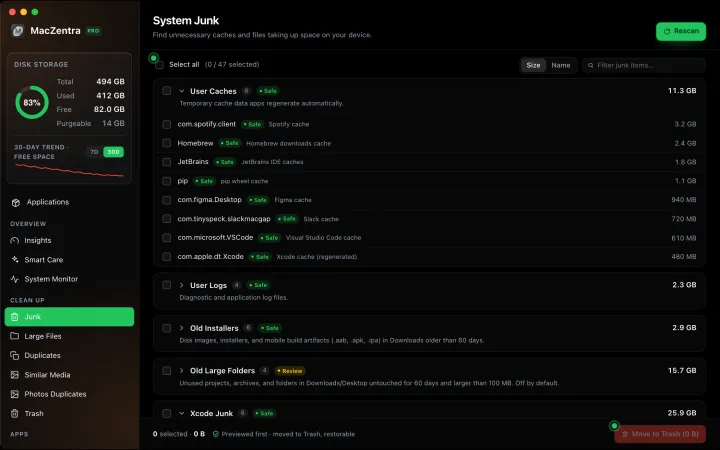
Free up space · 5 min
~/Library/Caches: What's Safe to Delete on Mac
Which ~/Library/Caches folders are safe to delete, which to keep, and how to clear them without breaking apps.
Free up space · 3 min
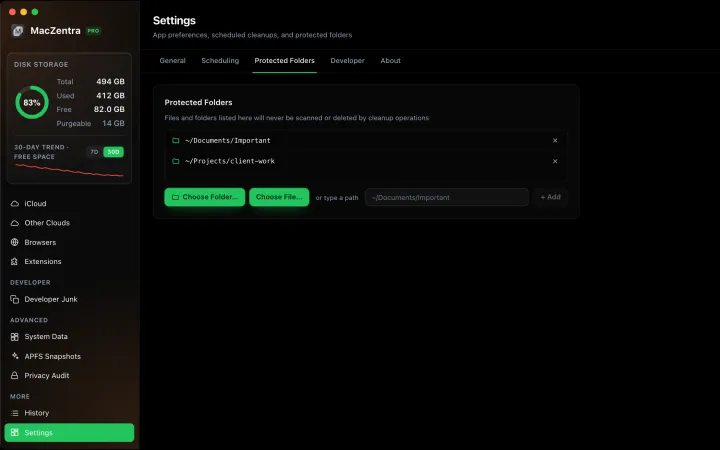
Protected Files & Folders: Keep Items Safe
How the built-in protected paths guard system-critical locations, and how to add your own custom folders to prevent accidental deletion.

Free up space · 4 min
Smart Care: One-Click Maintenance for Your Mac
Automate daily maintenance with Smart Care: clear caches, empty Trash, flush DNS, and purge inactive memory in a single workflow. Schedule it or run it on demand.