
Free up space
Is It Safe to Delete Library Caches on Mac? What to Keep and Clear
The MacZentra team · Updated Nov 17, 2026 · 5 min read
For almost every app, yes: ~/Library/Caches holds data an app can download or rebuild, such as thumbnails, web content, update packages and search indexes. Quit the app, delete its cache folder, and it recreates what it needs the next time it opens. A handful of macOS folders in there are off-limits, though, and deleting the Caches folder itself is a bad idea.
What is ~/Library/Caches?
It’s the per-user folder where apps store temporary, regenerable data. Each app gets a subfolder, usually named after its bundle ID like com.spotify.client. The folder is hidden by default; open it from Finder with Go → Go to Folder and type ~/Library/Caches. To see the biggest ones:
du -sh ~/Library/Caches/* 2>/dev/null | sort -h | tail -20
Browsers, music and video streaming apps, chat apps, design tools and package managers are usually at the top. A few gigabytes in total is normal; 20 GB or more is common on Macs that haven’t been cleaned in a while.
What’s safe to delete
| Folder | Safe? | Notes |
|---|---|---|
| Third-party app caches | Yes | Quit the app first. It may be slower on first launch. |
| Browser caches (Chrome, Firefox, …) | Yes | Clear from the browser for a cleaner result (below). Chrome options |
com.apple.dt.Xcode | Yes | Quit Xcode first. |
| Package manager caches (Yarn, pip, Homebrew) | Yes | Packages re-download on next install. Homebrew, pip and Gradle |
com.apple.Safari* | Leave it | Protected by macOS; clear from Safari instead. |
| CloudKit, HomeKit and other Apple daemon folders | Leave it | Owned by running system services. |
How to clear caches safely
- Quit the app whose cache you’re clearing, so it isn’t writing to it at the same time.
- Delete the contents of that app’s subfolder, or the subfolder itself. Don’t delete
~/Library/Cachesas a whole. - Use the Trash, not
rm -rf, so you can put something back if an app misbehaves. - Empty the Trash afterwards. Until you do, the space isn’t freed.
To do all of this in one pass, including emptying the Trash so the space is actually reclaimed, Smart Care clears safe user caches and logs to the Trash, empties it, and purges inactive memory in a single run.
Clearing browser caches
Browsers track their caches in their own databases, so clearing from inside the browser is cleaner:
- Safari: turn on Settings → Advanced → Show features for web developers, then choose Develop → Empty Caches.
- Chrome: Settings → Privacy and security → Delete browsing data, tick only “Cached images and files”.
- Firefox: Settings → Privacy & Security → Cookies and Site Data → Clear Data, tick only “Cached Web Content”.
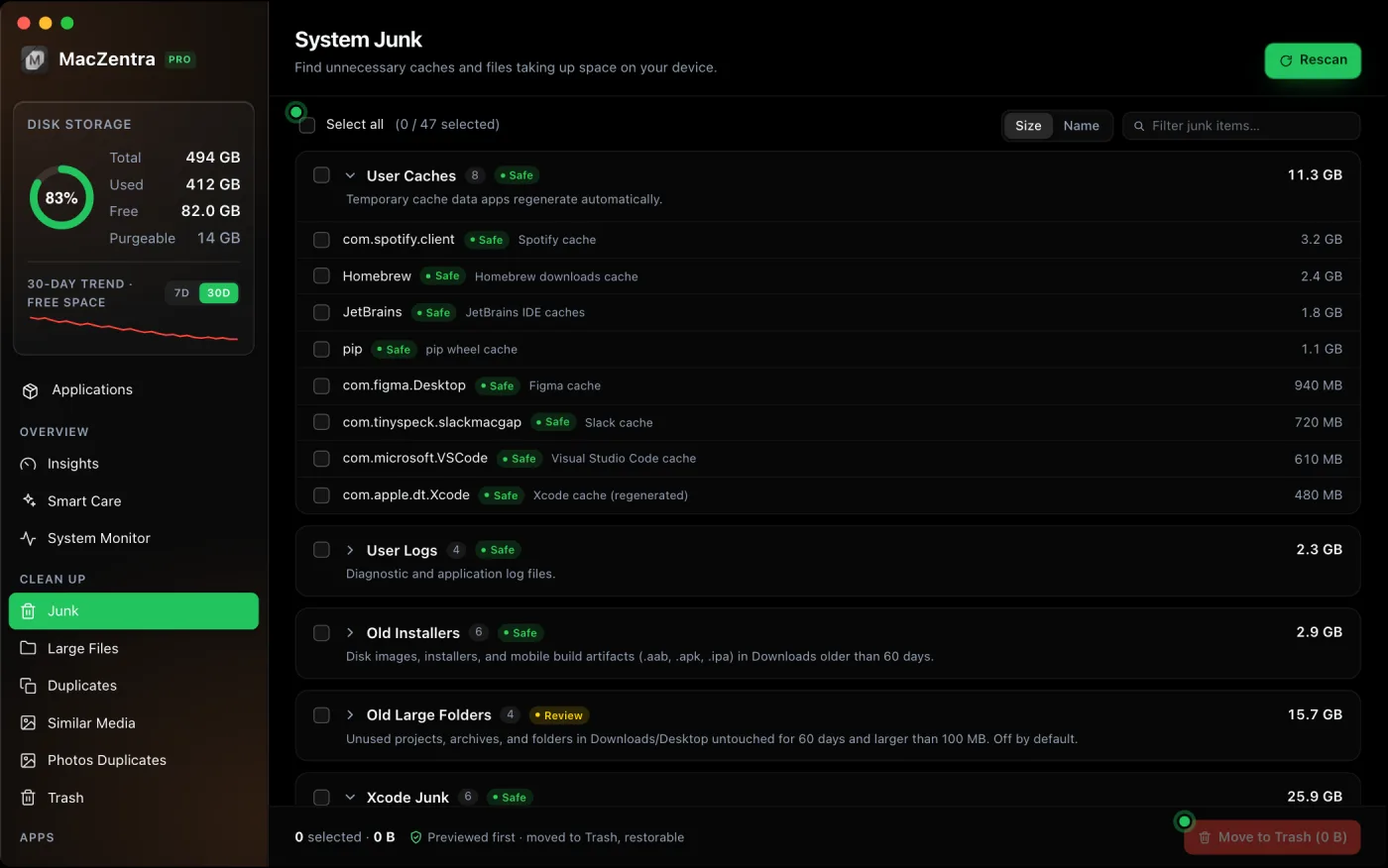
For the steps across every cache type, including the browser shortcuts, see how to clear cache on a Mac.
What about /Library/Caches and logs?
/Library/Caches (without the ~) is shared by all users and mostly written by system services and installers. See /Library/Caches vs ~/Library/Caches for the difference. It’s rarely large; leave it unless one folder is obviously huge and you know which app it belongs to. Logs in ~/Library/Logs are safe to delete, though you may want recent crash logs if you’re troubleshooting an app.
Questions people ask
Which caches can I delete on a Mac?
Any third-party app folder in ~/Library/Caches, plus Xcode and package manager caches such as Homebrew, pip and Yarn. Quit the app first. Leave Safari, CloudKit and other Apple service folders alone, since macOS manages them.
Is it safe to clear all caches on a Mac?
Not all at once. Clearing every app's own subfolder is fine, but don't delete the ~/Library/Caches folder itself, and skip the Apple service folders. Move items to the Trash rather than using rm -rf, so you can restore anything that causes trouble.
Will deleting caches remove my files, settings or passwords?
No. Documents live in your home folders, settings in ~/Library/Preferences and passwords in the keychain. Clearing a browser cache can sign you out of some sites only if you also clear cookies, so tick only the cache option.
Why do caches fill up again after I clear them?
Apps rebuild what they use. That's expected, and it's why clearing caches gives a temporary gain. Clear them when one app's folder is clearly oversized, or when you need space quickly, rather than on a schedule.
Caches are one piece of the picture. For a full checklist ordered by how much each step returns, see How to free up space on Mac. If the grey System Data bar is what worries you, read what System Data is; to see which folders are biggest, use these ways to find large files or a Mac disk usage analyzer.
Everything MacZentra can clean
Treemap and Sunburst disk maps, a duplicate finder, Developer Junk, a complete app uninstaller and more, in one native storage cleaner for Mac that’s 15.4 MB.
Explore all features →Related guides
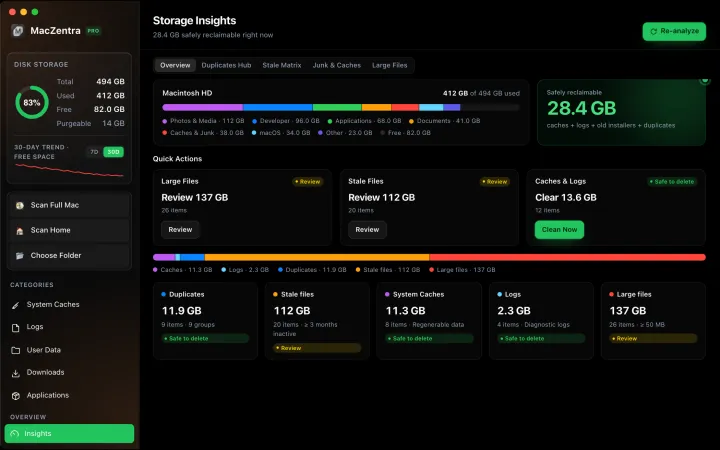
Free up space · 8 min
Free Up Space on Mac: 10 Fixes, Biggest First
Ten ways to free up Mac storage ranked by typical space recovered. Covers hidden Library folders and leftovers macOS Storage settings never show.
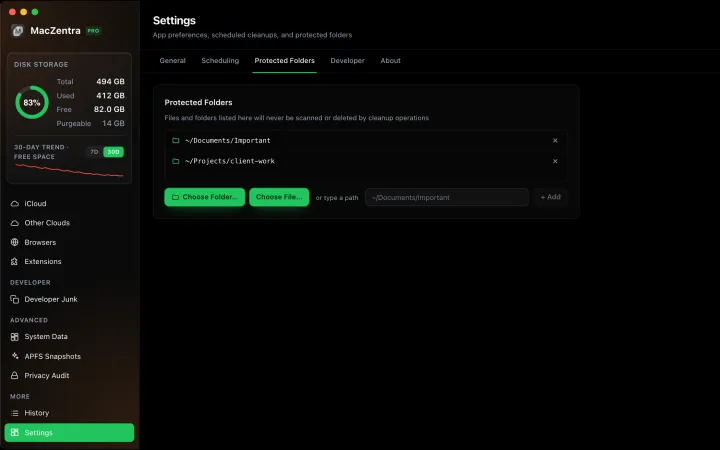
Free up space · 3 min
Protected Files & Folders: Keep Items Safe
How the built-in protected paths guard system-critical locations, and how to add your own custom folders to prevent accidental deletion.

Free up space · 4 min
Smart Care for Mac: Automate Cache, Trash and Memory Cleanup
Automate Mac maintenance with Smart Care: clear caches, empty Trash, flush DNS and purge inactive memory in one workflow. Schedule it or run it on demand.
Check storage · 9 min
Best Mac Storage Cleaners 2026: Compared & Ranked
Mac storage cleaners and disk space analyzers compared by price, size, scan speed and licence. One-time, subscription and free options side by side.