System Data
What Is /var/folders on Mac? Why It Uses GBs
The MacZentra team · Updated Nov 9, 2026 · 5 min read
/private/var/folders is where macOS and your apps keep per-user temporary files, caches and a few other working files. Each user gets one folder with a random-looking name. It can grow to several gigabytes, but you should not delete it by hand. Find the big items inside it, quit the app that owns them, and let macOS clean up. This guide shows how to measure it, with real numbers from a Mac we checked.
What is /var/folders?
On a Mac, /var is a shortcut (a symbolic link) to /private/var, so /var/folders and /private/var/folders are the same place. Inside, macOS creates a two-character folder and then a long random one per user. That random folder holds a handful of subfolders. You can ask macOS for the exact paths that belong to you:
getconf DARWIN_USER_DIRgetconf DARWIN_USER_CACHE_DIRgetconf DARWIN_USER_TEMP_DIR
On the Mac we tested these returned folders ending in 0, C and T. We also found a fourth folder, X. Folder names and layout can differ between macOS versions, so run the commands on your own Mac rather than assuming.
| Folder | What it holds |
|---|---|
0 | Small system working files |
C | Caches apps can rebuild |
T | Temporary files |
X | App code_sign_clone folders |
On our test Mac, 0 was 44 MB, C was 1.2 GB, T was 588 MB and X was 3.5 GB, for a total of 5.3 GB for that one user. These numbers are from one Mac running macOS 27.3 and will be different on yours. Treat them as an example of the pattern, not as typical values.
How to see what is using the space
This lists the size of each of your folders, smallest to largest:
cd "$(getconf DARWIN_USER_DIR)/.." && du -sh * 2>/dev/null | sort -h
Then look inside the largest one. For the cache folder:
du -sh "$(getconf DARWIN_USER_CACHE_DIR)"* 2>/dev/null | sort -h | tail -10
On our Mac the biggest item in C was a folder called clang at 706 MB. Inside it is a ModuleCache folder, the compiler's cache, which is created when you build software with Xcode or the command-line tools. The next largest were browser helper and iOS Simulator caches, at 78 MB and 41 MB.
What are the code_sign_clone folders?
The biggest surprise on our Mac was the X folder. It held a folder named after one browser ending in code_sign_clone, and du reported 3.5 GB for it. Inside were several folders with names like code_sign_clone.AGVE0v.
Is it safe to delete?
- Don't delete the whole folder. Running apps and system services keep files open in it, and removing them can confuse them.
- Restart first. Quit your apps and restart the Mac, then measure again. macOS also has a launch job for this area,
com.apple.bsd.dirhelper, which on our Mac setsCLEAN_FILES_OLDER_THAN_DAYSto 3. - Remove a big rebuildable cache only when its app is closed. A compiler cache such as
clangis rebuilt the next time you compile. Quit Xcode and any running builds first. Expect the next build to be slower once. - Leave the
Xfolder alone unless it is clearly huge. If it is, quit the app named in the folder, restart, and measure again.
For the user-level cache folder, which is safer to clean, see what's safe to delete in ~/Library/Caches. For the bigger picture of what fills your Mac, read what System Data is.
Everything MacZentra can clean
Treemap and Sunburst disk maps, a duplicate finder, Developer Junk, a complete app uninstaller and more, in one native storage cleaner for Mac that’s 15.4 MB.
Explore all features →Related guides
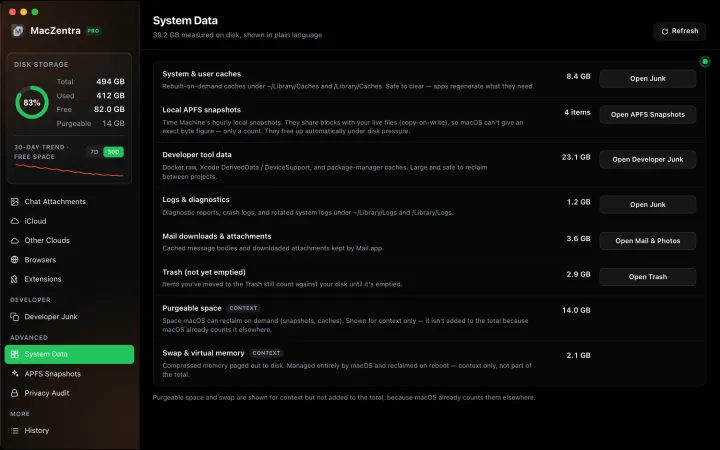
System Data · 6 min
How Much Storage Does macOS Take Up?
How much storage macOS takes up on your Mac, how to measure each volume, why System Data looks so big, and how to reclaim space safely.
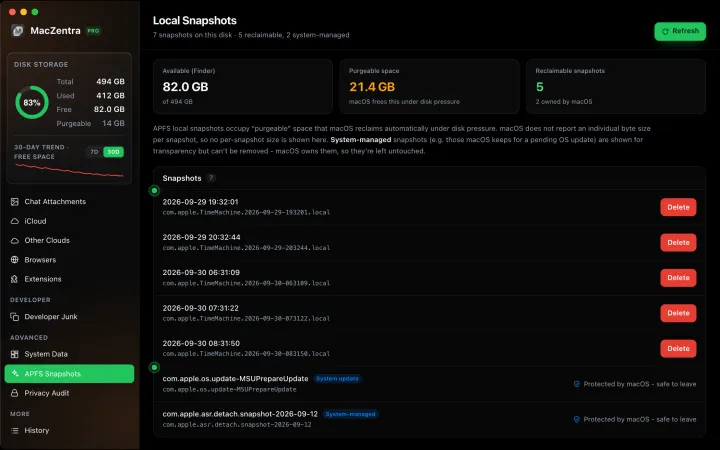
System Data · 5 min
System Data Jumped After a macOS Update: What to Clear
Why System Data grows by tens of GB after a macOS update, what is temporary, and the safe steps to shrink it: snapshots, leftover installers and caches.
System Data · 7 min
What Is System Data on Mac? And How to Shrink It
System Data is the grey bar in macOS Storage. See what it contains, how much is normal, and the safe order to shrink it, step by step.
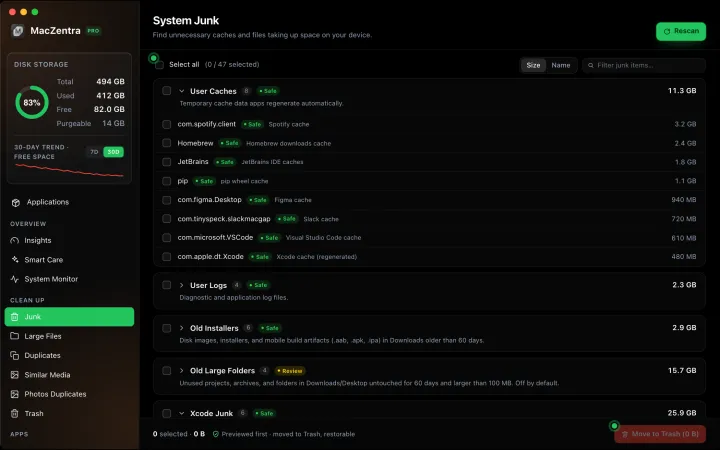
System Data · 4 min
/Library/Caches vs ~/Library/Caches: What's the Difference?
/Library/Caches is shared by every user; ~/Library/Caches is yours. Real sizes from a Mac we checked, why the sticky bit matters, and which one to clear.