Check storage
App Updater: Keep Your Mac Apps Current via Homebrew, Sparkle and the App Store
The MacZentra team · Updated Oct 15, 2026 · 4 min read
Out-of-date apps are a quiet source of both wasted space and security risk, but checking each one by hand is tedious and most apps update through a different channel. MacZentra's App Updater scans your installed apps, finds the ones with a newer version, and hands each update off to the right place — Homebrew, the developer's own feed, or the Mac App Store. It never downloads or installs code itself.
What it does
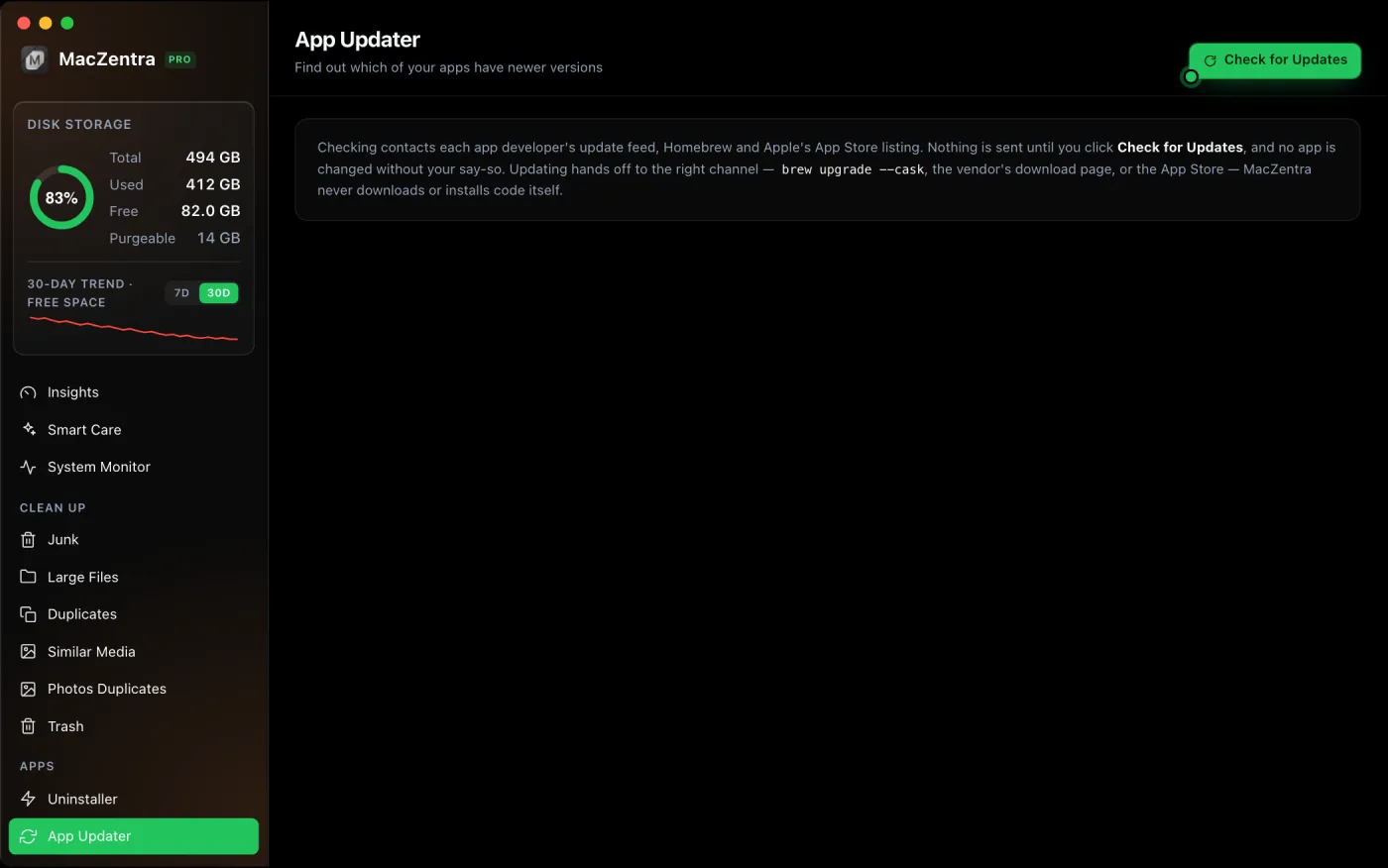
App Updater lists your installed third-party apps and flags the ones with a newer version available. Checking is read-only and runs only when you click Check for Updates — nothing happens in the background, and nothing is sent anywhere until you ask for it. When you choose to update an app, MacZentra opens or runs the correct update channel for that app rather than fetching an installer of its own.
How it finds updates
Every app updates differently, so App Updater matches each one to the first source that knows about it:
- Homebrew cask — if the app was installed as a cask, MacZentra reads the latest cask version with
brew info --caskand updates it withbrew upgrade --cask. - Developer feed (Sparkle) — many Mac apps publish a Sparkle appcast declared as
SUFeedURLin the app'sInfo.plist. MacZentra reads that feed and, when an update exists, opens the vendor's download page. - Mac App Store — if the app has a
_MASReceipt, MacZentra checks Apple's public lookup API for the current version and sends you to the App Store's Updates page.
Apps that update themselves (Chrome-style silent updaters) or that don't publish a feed MacZentra can read are shown under Everything else and marked Can't check, so you always know what was and wasn't verified.
Why MacZentra never installs code itself
Updating is the one place a cleaner could quietly become a risk, so App Updater deliberately doesn't bundle its own download-and-install machinery. Instead it hands off to the channel the app already trusts: Homebrew runs its own signed upgrade, Sparkle updates come from the developer's own page, and App Store apps update through Apple. You keep the normal verification each channel provides, and MacZentra never becomes a middleman for executable code.
How to use it
- Open MacZentra and choose App Updater from the sidebar (under Apps).
- Click Check for Updates. MacZentra reads Homebrew, Sparkle feeds and the App Store lookup for your installed apps.
- Review the apps with a newer version. Each row shows the installed version, the latest version, and the source.
- Click the update button on any app to hand off to Homebrew, the developer's page, or the App Store.
Where it fits with the rest of MacZentra
App Updater pairs naturally with the App Uninstaller: update the apps you use, fully remove the ones you don't (leftovers included). For a one-click maintenance pass across caches, the Trash and memory, see Smart Care, and to understand the space the grey bar hides, read System Data on Mac.
Everything MacZentra can clean
Treemap and Sunburst disk maps, a duplicate finder, Developer Junk, a complete app uninstaller and more, in one native storage cleaner for Mac that’s about 15 MB.
Explore all features →Related guides
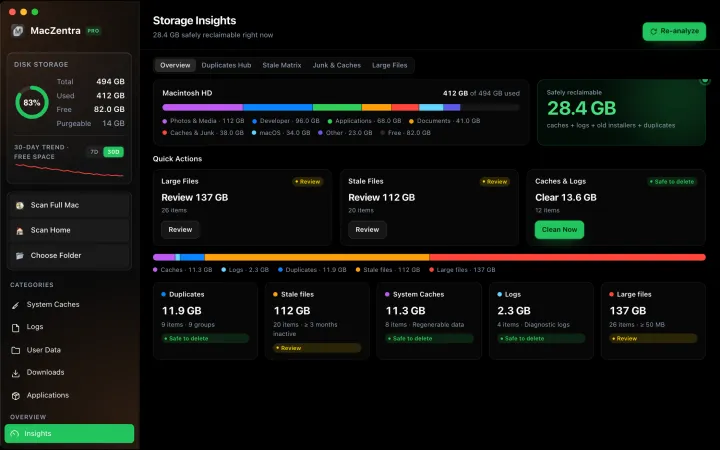
Check storage · 7 min
Best Mac Storage Cleaners 2026: Compared & Ranked
Mac cleaners compared by price, size, scan speed and licence type. One-time-purchase, subscription and free options side by side.
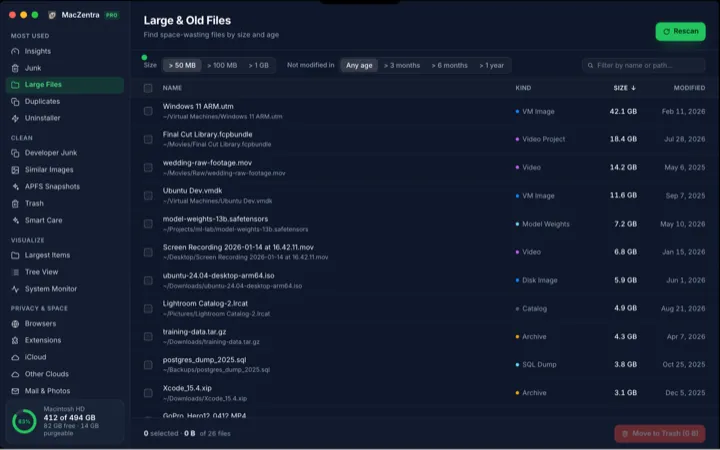
Check storage · 5 min
How to Find Large Files on a Mac: 4 Ways, From Built-in to Terminal
Find the biggest files on your Mac using Storage settings, Finder, Terminal or a treemap. Includes how to spot big folders full of small files.
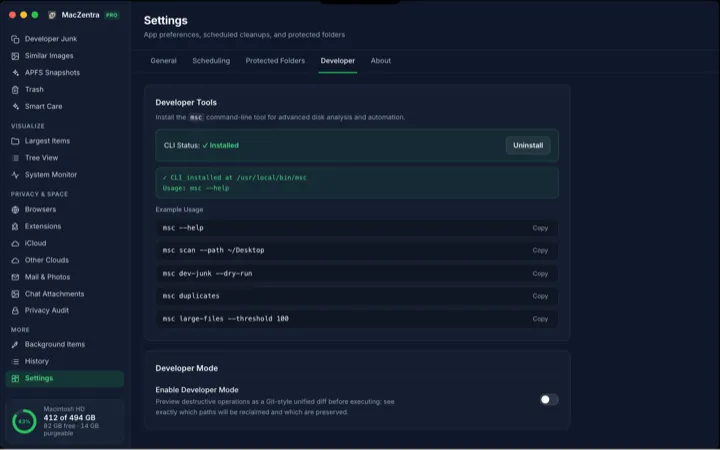
Check storage · 6 min
MacZentra CLI: Command Reference and Use Cases
The msc command runs MacZentra from the terminal. Scan paths, find duplicates, check developer junk and preview deletions without opening the app.
Check storage · 3 min
Low-Disk Alerts from Your Mac's Menu Bar
MacZentra watches free space in the background and sends one native alert when it drops below your threshold. Run Smart Care from the tray.