
Free up space
Clear Mail Storage on Mac: Free Up Gigabytes
The MacZentra team · Updated Nov 22, 2026 · 5 min read
To clear Mail storage on a Mac, erase Deleted Items and Junk, stop Mail downloading every attachment, and remove the large attachments you no longer need. The Mail category in Storage can reach tens of gigabytes because Mail keeps a local copy of every message and file.
Where Mail storage goes
Mail keeps messages, attachments and search data in ~/Library/Mail. Opened attachments are also cached in a Mail Downloads folder inside the Mail container. Check the size first: open System Settings, then General, then Storage and look at the Mail line.
du -sh ~/Library/Mail
That folder may need Full Disk Access for Terminal before the command works. If the number is small, the space is going elsewhere, and 10 ways to free up space on a Mac shows where to look next.
Step by step: shrink Mail
- In Mail, choose Mailbox > Erase Deleted Items and then Mailbox > Erase Junk Mail, for all accounts.
- Open Mail > Settings > Accounts, pick an account, and under Account Information set Download Attachments to Recent or None.
- Sort a mailbox by size, find messages with big attachments, select one and choose Message > Remove Attachments.
- Delete old threads you will never open, then erase Deleted Items again.
Mail’s Mailbox > Rebuild command can shrink a bloated local cache on an IMAP account, because Mail rebuilds it from the server. It takes a while and needs a connection, so don’t use it on POP accounts or while offline.
Mail versus Messages
| App | What grows | Guide |
|---|---|---|
| Message cache and attachments | This page | |
| Messages | Photos, videos and attachments | Messages taking up space on Mac |
| Browsers | Cache and site data | Clear browser cache on a Mac |
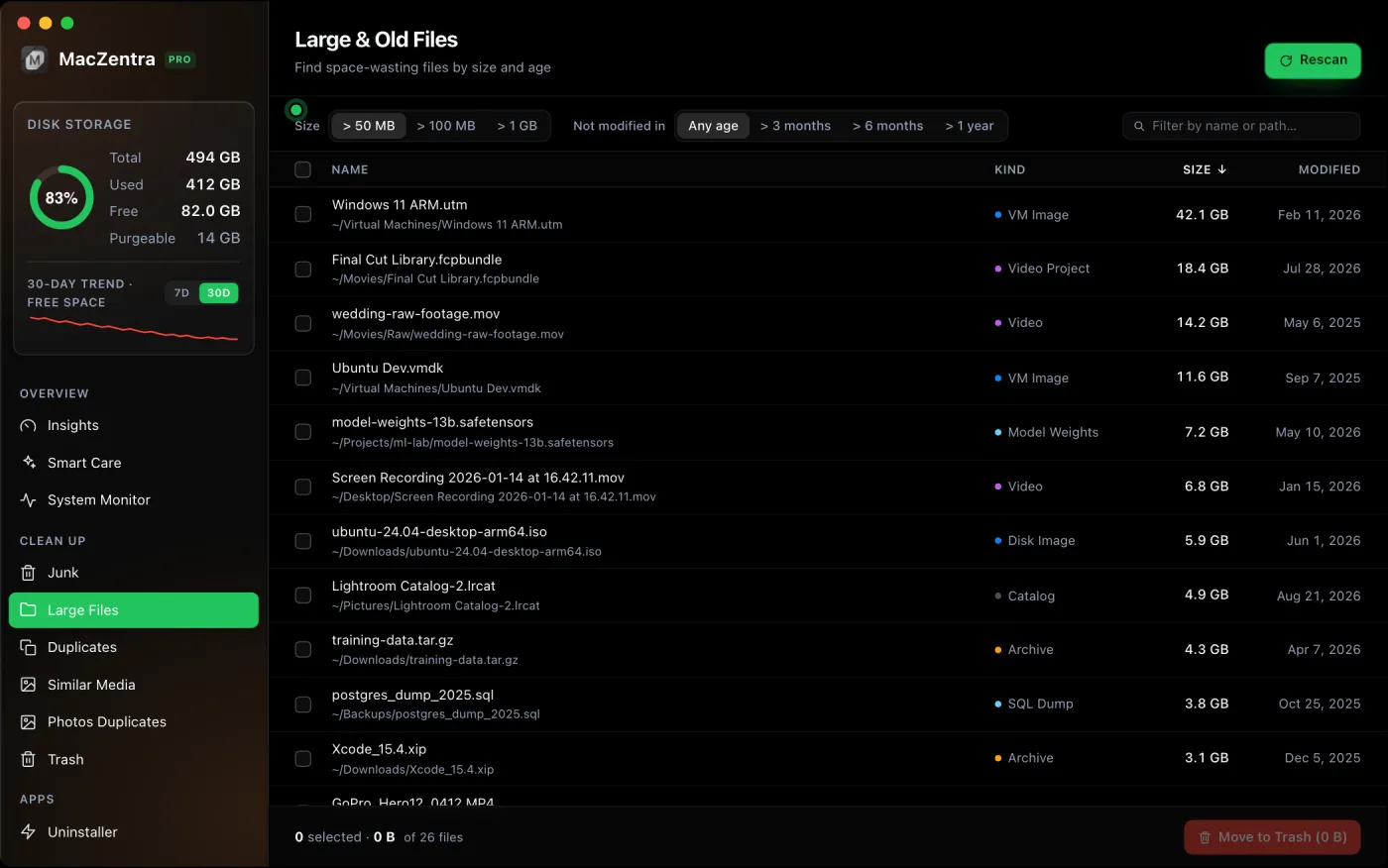
Cleaning Mail usually frees less than Photos or developer files, so check those too. How to find large files on a Mac lists the biggest items on the disk in a few minutes.
Questions people ask
Why is Mail taking up so much space on my Mac?
Mail stores a local copy of messages and downloads attachments automatically. Years of mail with photos and documents attached add up quickly, especially across several accounts.
Is it safe to delete the Mail folder in Library?
No. Deleting it by hand can lose messages that exist only on your Mac, and it breaks the app’s index. Use Mail’s own menu commands.
Does removing an attachment delete the email?
No. Remove Attachments strips the file and leaves the message text. On an IMAP account the change also applies on the server, so you lose that attachment everywhere.
Will changing Download Attachments lose my mail?
No. It controls what Mail downloads in advance. Attachments you haven’t downloaded stay on the server and load when you open them.
Everything MacZentra can clean
Treemap and Sunburst disk maps, a duplicate finder, Developer Junk, a complete app uninstaller and more, in one native storage cleaner for Mac that’s 15.4 MB.
Explore all features →Related guides
Free up space · 6 min
Chrome Browser Cleanup on Mac: Clear the Right Data
There's no Chrome Cleanup Tool for Mac. See where Chrome keeps its cache and profile data, what's safe to clear, and the best ways to reclaim space safely.
Free up space · 9 min
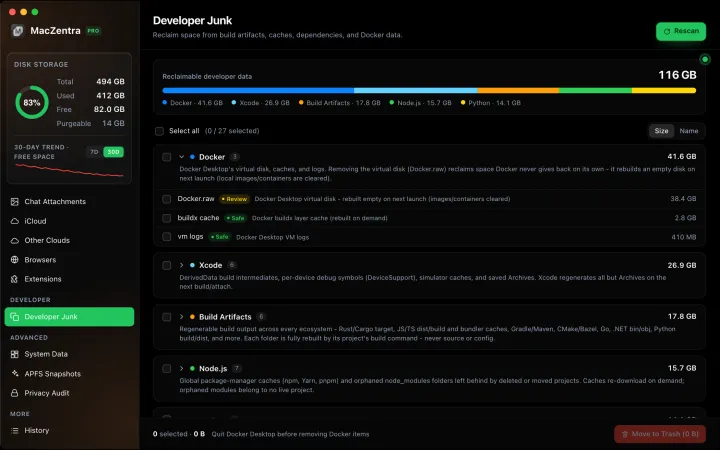
Clear Developer Caches on Mac: Homebrew, pip, Gradle
How to clear developer caches on a Mac: where Homebrew, pip, Gradle, Cargo and CocoaPods store data, the command for each, and what not to delete.
Free up space · 8 min
Large Files on Mac: What's Safe to Delete
Which large files on a Mac are safe to delete, which to leave alone, and a four-question test for the gray area, so you free space without breakage.
Check storage · 9 min
Best Mac Storage Cleaners 2026: Compared & Ranked
Mac storage cleaners and disk space analyzers compared by price, size, scan speed and licence. One-time, subscription and free options side by side.