Free up space
Clear Developer Caches on Mac: Homebrew, pip, Gradle
The MacZentra team · Updated Oct 18, 2026 · 9 min read
Developer caches on a Mac grow quietly. Every brew install, pip install and Gradle build leaves downloads, build outputs and old versions behind, and a few years of that can add up to tens of gigabytes. This guide shows how to clear developer caches on a Mac for Homebrew, pip, Gradle, Cargo and CocoaPods, with the exact command and folder for each, so you can measure first and delete second.
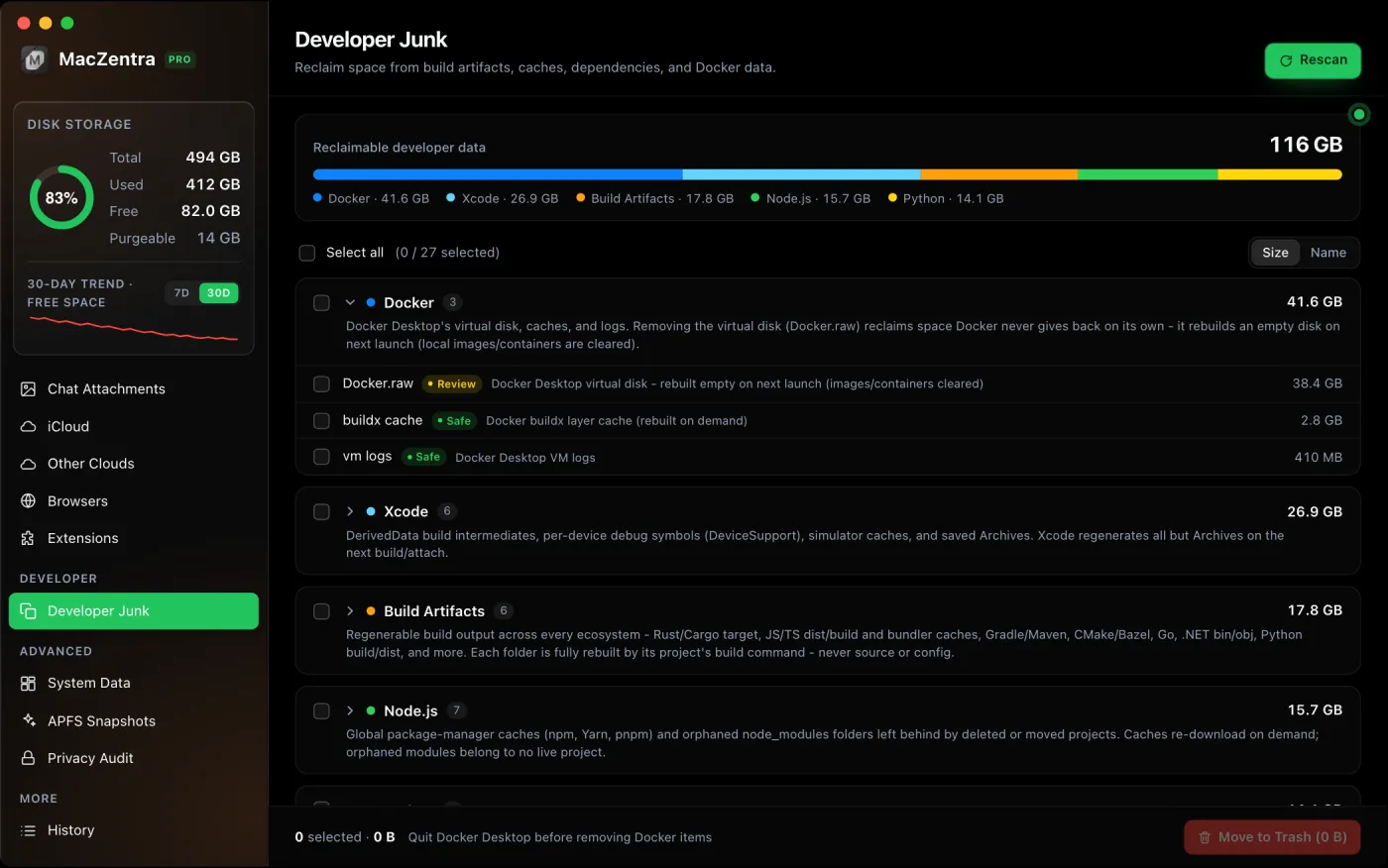
We already have separate guides for the three biggest offenders: Xcode DerivedData, Docker.raw and node_modules and the npm cache. This one covers everything else a typical dev machine accumulates.
Why developer caches get so big
A cache is a copy of something you downloaded or built once, kept so the next run is faster. Package managers keep every archive they ever fetched. Build tools keep intermediate output for every project. Nothing expires on its own, and none of it shows up in the Applications folder, so you never think about it.
The good news is that caches are the safest thing on your disk to remove. The tool rebuilds whatever it needs the next time you run it. The cost is a slower first build and a fresh download or two.
Check the sizes before you delete anything
Guessing wastes time. Run one block in Terminal and see which folders are worth your attention. Folders that don't exist on your Mac will just print an error, which you can ignore.
du -sh ~/Library/Caches/Homebrew \~/Library/Caches/pip \~/.gradle/caches \~/.cargo/registry \~/.cocoapods \~/Library/Caches/CocoaPods \~/.m2/repository 2>/dev/null
Anything over a gigabyte is a candidate. The table below maps each tool to its cache location and the command that clears it properly.
| Tool | Where the cache lives | Clear it with |
|---|---|---|
| Homebrew | ~/Library/Caches/Homebrew | brew cleanup -s |
| pip | ~/Library/Caches/pip | pip cache purge |
| Gradle | ~/.gradle/caches | Delete the folder, or run a build to rebuild it |
| Cargo (Rust) | ~/.cargo/registry | cargo cache -a |
| CocoaPods | ~/Library/Caches/CocoaPods | pod cache clean --all |
| Maven | ~/.m2/repository | Delete the folder, it re-downloads on demand |
Homebrew: the cache and the old versions
Homebrew keeps two kinds of leftovers. The first is the download cache, every bottle and installer it ever fetched. The second is old versions of formulae you've since upgraded. One command handles both:
brew cleanup -sbrew autoremove
The -s flag scrubs the cache completely, including the latest downloads. brew autoremove uninstalls dependencies that nothing needs anymore. Run brew cleanup -n first if you'd like a dry run that only prints what would go.
To see where Homebrew actually keeps its cache on your machine, ask it: du -sh "$(brew --cache)". On Apple silicon, the formulae themselves live under /opt/homebrew, and cleaning doesn't touch the ones you have installed.
pip and Python environments
pip caches every wheel and source archive. pip cache purge empties it, and pip cache info tells you the size first. That's usually a few hundred megabytes, which is small next to the real Python cost: virtual environments.
Every project with a venv or .venv folder carries its own copy of its packages. Machine learning projects can pull in several gigabytes each through PyTorch or TensorFlow. Find them with:
find ~ -type d \( -name venv -o -name .venv \) -prune -exec du -sh {} + 2>/dev/null | sort -hr | head -20
Delete the environments for projects you've finished. A requirements.txt or pyproject.toml lets you recreate one in a minute. If the project has neither file, think twice before removing its environment.
Gradle, Maven and Android builds
~/.gradle/caches is where Gradle stores downloaded dependencies and build outputs for every project you've ever opened. On a machine with Android Studio, it often passes 5 GB. It's safe to delete when no build is running, and the next sync downloads what it needs. Stop the Gradle daemon first with ./gradlew --stop inside any project, so nothing is holding files open.
Maven is similar. ~/.m2/repository holds every dependency jar, and removing it is harmless apart from the re-download. If you use JetBrains IDEs, their own caches live under ~/Library/Caches/JetBrains and can be cleared from the IDE through File, then Invalidate Caches.
Cargo, CocoaPods and the rest
Rust's ~/.cargo/registry grows with every crate version you've built against, and each project's target folder adds its own build output, which can reach several gigabytes. Running cargo clean inside a finished project clears that project's target folder.
CocoaPods keeps a spec repository and downloaded pods. pod cache clean --all removes the pods, and the spec repo under ~/.cocoapods can go too if you're not actively working on an iOS project. It re-clones on the next pod install, which takes a while, so leave it alone if you use it weekly.
A safe order to clear developer caches
- Quit your IDE, simulators and any running build so nothing holds files open.
- Run the
dublock above and note the three biggest folders. - Clear Homebrew first. It has a built-in dry run and almost no downside.
- Clear pip, CocoaPods and Cargo with their own commands.
- Delete the Gradle and Maven caches only if you can afford one slow build.
- Delete old virtual environments and
targetfolders for projects you've finished. - Check System Settings, General, Storage to confirm the new number.
What not to delete
- Anything in /opt/homebrew/Cellar. That's your installed packages, not cache. Let
brew cleanupmanage it. - Your global tool installs, such as
~/.cargo/binor~/.rustup. Deleting these removes the toolchain itself. - SSH keys, credentials and config files in dot folders. Caches and config often sit side by side, so check the folder name before you remove it.
- Virtual environments for active projects. They rebuild, but you lose time and sometimes pinned versions you can't reproduce.
How to keep the caches from growing back
A monthly brew cleanup keeps Homebrew small. For the rest, set a reminder to repeat the du check every few months. You can also move a cache off the internal drive entirely. Gradle honours the GRADLE_USER_HOME variable, and pip honours PIP_CACHE_DIR, so you can point both at an external disk if your Mac's drive is small.
If System Settings still shows a large Developer or System Data number afterward, the cause may sit elsewhere. Our guide to System Data on a Mac explains what that category holds, and which Library caches are safe to delete covers the general app caches.
Language runtimes and version managers
Version managers are the quiet space hogs on a dev machine. Every time you install another Node, Python or Rust version, the old one stays. Three installs a year for four years is a dozen full runtimes, each of them a few hundred megabytes.
| Manager | List what you have | Remove one |
|---|---|---|
| nvm (Node) | nvm ls | nvm uninstall 18 |
| pyenv (Python) | pyenv versions | pyenv uninstall 3.9.18 |
| rustup (Rust) | rustup toolchain list | rustup toolchain uninstall nightly-2024-01-01 |
Keep the version each active project needs, plus your current default. Anything older that no project mentions is safe to remove, and you can reinstall it in a minute if a legacy repository ever needs it.
Two more caches are worth a look if you write Go or Ruby. go clean -modcache empties Go's module cache, which Go downloads again on demand. gem cleanup removes old versions of installed Ruby gems and keeps the latest.
Questions people ask
Is it safe to delete developer caches on a Mac?
Yes, for caches. They only hold copies of data the tool can fetch or rebuild. The risk is in the folders next to them, such as installed toolchains and config, so delete the specific cache folder, not its parent.
Will clearing caches break my projects?
No. Your source code and project files are separate. The next install or build will be slower while the tool downloads dependencies again, then it returns to normal.
Should I run brew cleanup regularly?
Once a month is plenty. Homebrew already runs a light cleanup after some installs, but the -s flag goes further and frees the cached downloads too.
Why is my disk still full after clearing caches?
Caches are only one slice. Check your largest files and folders with four ways to find large files on a Mac, and look at local snapshots, which can hold space that deleting files doesn't release.
Everything MacZentra can clean
Treemap and Sunburst disk maps, a duplicate finder, Developer Junk, a complete app uninstaller and more, in one native storage cleaner for Mac that’s about 15 MB.
Explore all features →Related guides
Free up space · 8 min
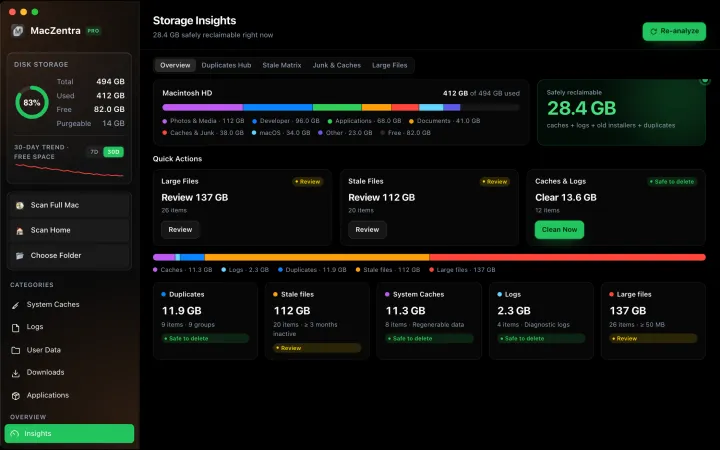
Free Up Space on Mac: 10 Fixes, Biggest First
Ten ways to free up Mac storage ranked by typical space recovered. Covers hidden Library folders and leftovers macOS Storage settings never show.
Free up space · 5 min
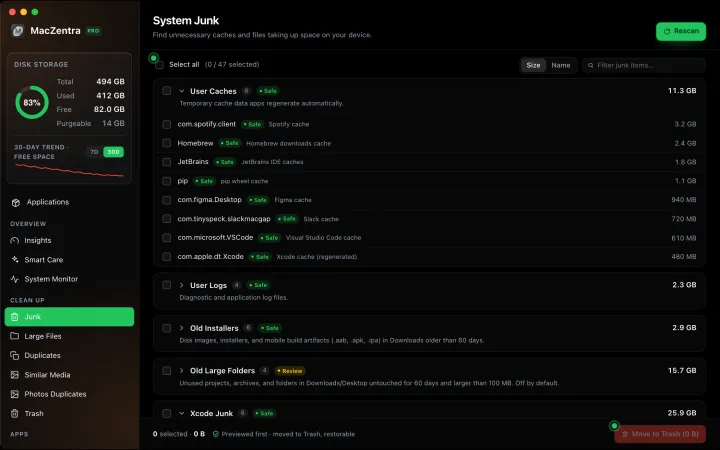
~/Library/Caches: What's Safe to Delete on Mac
Which ~/Library/Caches folders are safe to delete, which to keep, and how to clear them without breaking apps.
Free up space · 3 min
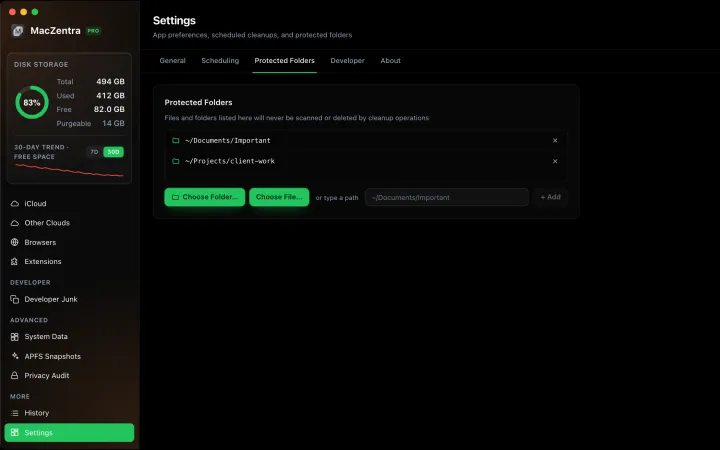
Protected Files & Folders: Keep Items Safe
How the built-in protected paths guard system-critical locations, and how to add your own custom folders to prevent accidental deletion.

Free up space · 4 min
Smart Care: One-Click Maintenance for Your Mac
Automate daily maintenance with Smart Care: clear caches, empty Trash, flush DNS, and purge inactive memory in a single workflow. Schedule it or run it on demand.