
Free up space
How to Get More Storage on iPhone (Not iCloud)
The MacZentra team · Updated Nov 17, 2026 · 6 min read
You can’t add storage to an iPhone. The capacity is fixed when the phone is made, so there’s no card slot to fill and no upgrade to buy later. What Apple sells as extra storage is iCloud space, which lives online. So how to get more storage on iPhone comes down to four moves: free up what’s on it, let iCloud hold your originals, move photos off it, or buy a larger capacity next time.
Can you buy more iPhone storage?
Not for the phone itself. People searching for how to buy more storage on iPhone usually land on the iCloud plans, and that’s a different thing. The plan is monthly space on Apple’s servers for backups, photos and files. It doesn’t change how many gigabytes the phone has inside, and it doesn’t help when the phone is full of apps, downloads and cached data.
So “how to buy iPhone storage” has two honest answers. For online space, pay for an iCloud plan. For room on the device, you either make room, move things somewhere else, or buy a phone with more capacity. The rest of this guide goes through each one.
1. Free up what is already on the phone
This is the cheapest way to increase iPhone storage, and it often gives back more than people expect. Most of it comes from a short list:
- Recently Deleted. Photos you delete stay in Utilities → Recently Deleted for 30 days and keep using space until you empty it.
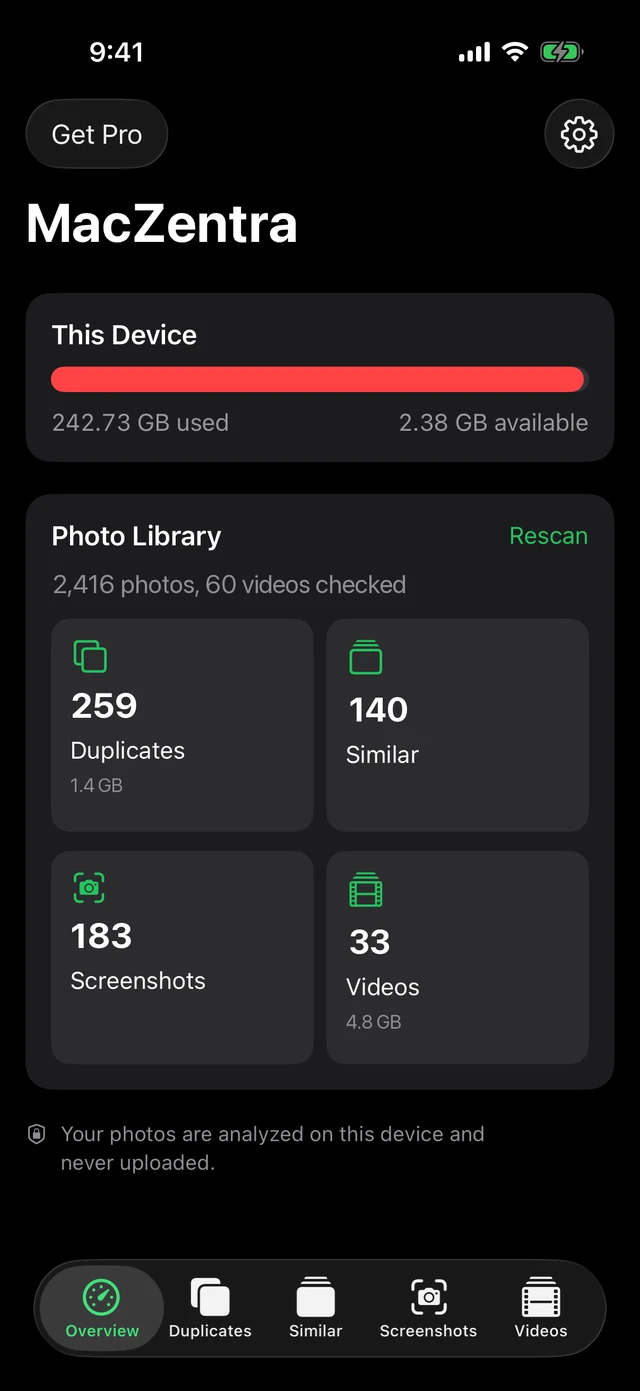
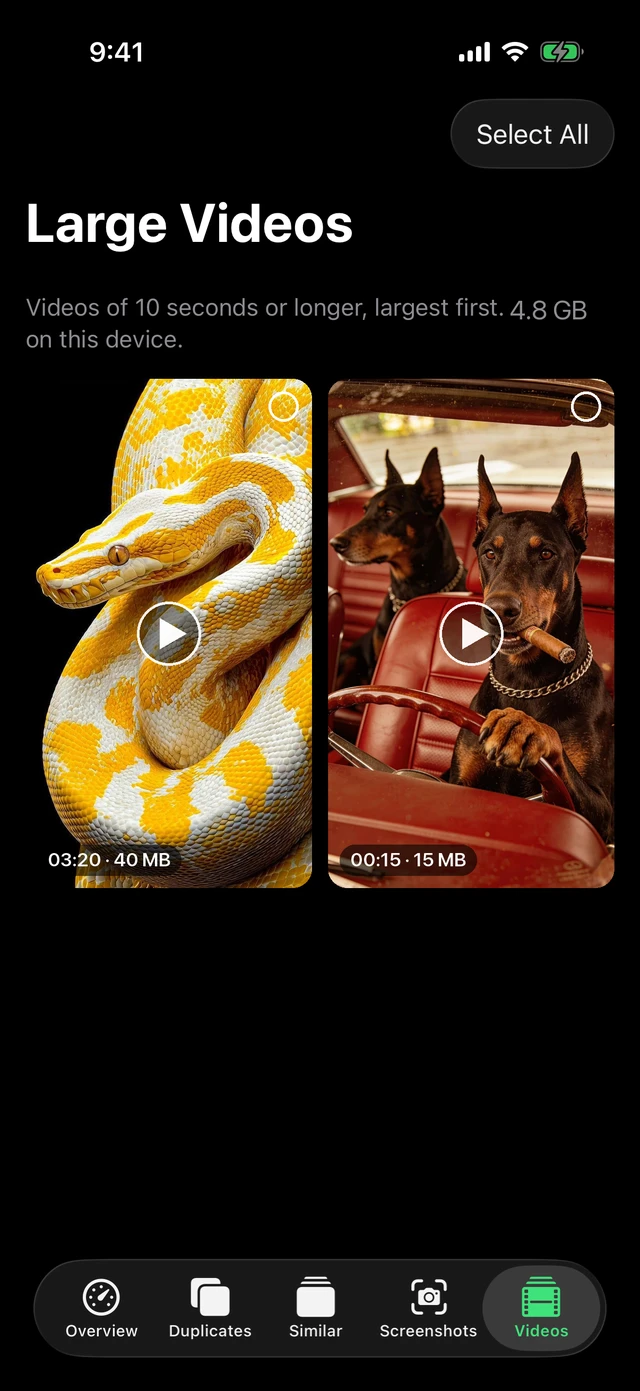
- Large videos. A few long clips can outweigh thousands of photos. Sort them in the Photos app under Media Types → Videos.
- Messages attachments. In iPhone Storage, tap Messages and use the review options for large attachments.
- Apps you don’t use. The iPhone Storage list shows each app’s size and when you last used it.
The full order of fixes is in what to do when iPhone storage is full. If the grey System Data bar is the problem, why iPhone System Data is huge covers what can and can’t be shrunk. Duplicate and near-identical photos are a separate cleanup, covered in how to delete duplicate photos on iPhone.
2. Let iCloud keep the originals with Optimize iPhone Storage
This is the one place where paying for iCloud does help the phone. With iCloud Photos on, Optimize iPhone Storage keeps your full-resolution photos and videos in iCloud and leaves smaller versions on the phone. Tap a photo and the original downloads when you need it.
- Open Settings and tap Photos. On newer versions of iOS, Photos settings sit under Settings → Apps → Photos.
- Make sure Sync this iPhone or iCloud Photos is on, depending on your iOS version.
- Choose Optimize iPhone Storage.
It works only as long as the iCloud account has room for the whole library. If that fills up, uploads stall and the phone keeps its originals. When the cloud side is the bottleneck, read what to do when iCloud storage is full. Also remember that iCloud Photos mirrors deletions: delete a photo on the phone and it goes from iCloud too.
3. Move photos and videos to a computer or an external drive
This is the closest thing to buying more storage for the phone. The photos stay yours and stay in full quality, but they live on a drive instead of inside the iPhone.
To a computer. Connect the phone, open Photos or Image Capture on a Mac, or the Photos app on Windows, and import what you want. Check that the files opened properly on the computer before you delete anything from the phone.
To an external drive. iPhones with a USB-C port can work with an external drive through the Files app. Plug the drive in, and it appears under Browse → Locations. In Photos, select the items, tap Share, choose Save to Files and pick the drive. Older iPhones with a Lightning port have more limited support, so a computer is the safer route there. Drive compatibility varies, so if the phone doesn’t see the drive, try a different cable or a drive formatted in a common format.
On a Mac, the same idea applies in reverse: when the Mac fills up too, how to get more storage on a Mac covers external drives and the Photos library.
4. Offload apps you rarely open
Offloading removes an app but keeps its documents and data, so reinstalling it later picks up where you left off. It’s useful for large apps you use a few times a year.
- One app. Go to Settings → General → iPhone Storage, tap the app, then Offload App.
- Automatically. Turn on Offload Unused Apps. It’s under Settings → App Store on current iOS and under the iTunes and App Store settings on older versions.
Offloading doesn’t clear an app’s saved data, so it won’t help with apps that store gigabytes of downloads. For those, delete the app and reinstall it, after checking that your data is backed up.
5. Choose more capacity on the next iPhone
If you keep running out, the permanent fix is a phone with more storage. Capacity can’t be changed after purchase, so decide before you buy. Look at how much your current phone uses in iPhone Storage, add room for the apps and video you expect to keep, and go up a tier if you shoot a lot of video or keep media offline.
How the options compare
| Option | Cost | Effort | Best for |
|---|---|---|---|
| Free up what is on the phone | Free | Low to medium | Anyone who’s full right now |
| Optimize iPhone Storage | Monthly, if you need a larger iCloud plan | Low, one setting | People who want every photo available on the phone |
| Computer or external drive | One-time, if you need to buy a drive | Medium, done by hand | Large photo and video libraries you want to own |
| Offload apps | Free | Low | Big apps you rarely open |
| Larger capacity next phone | One-time, paid at purchase | None until you upgrade | People who fill every phone they buy |
Questions people ask
How do I get more storage on my iPhone for free?
Empty Recently Deleted, delete or compress large videos, review Messages attachments and offload apps you don’t use. None of it costs anything, and it’s the first place to look.
Can you buy more storage for an iPhone after you buy it?
No. The capacity inside the phone is fixed. You can add online space with iCloud or move files to an external drive, but the phone’s own storage stays the same.
How do I buy more storage on my iPhone, not iCloud?
You can’t buy more internal storage. The nearest options are an external drive for photos and files, which works with the Files app on iPhones that have a USB-C port, or buying a phone with more capacity next time.
Does buying iCloud storage free up space on my iPhone?
Only if you turn on Optimize iPhone Storage. Then the originals move to iCloud and the phone keeps smaller copies. Without that setting, iCloud just holds a backup and the phone’s space doesn’t change.
Can I use a memory card or flash drive with an iPhone?
There’s no card slot. On iPhones with USB-C, a compatible external drive or flash drive can be read in the Files app, and you can copy files to it. Support on Lightning iPhones is more limited.
Everything MacZentra can clean
Treemap and Sunburst disk maps, a duplicate finder, Developer Junk, a complete app uninstaller and more, in one native storage cleaner for Mac that’s 15.4 MB.
Explore all features →Related guides
Free up space · 8 min
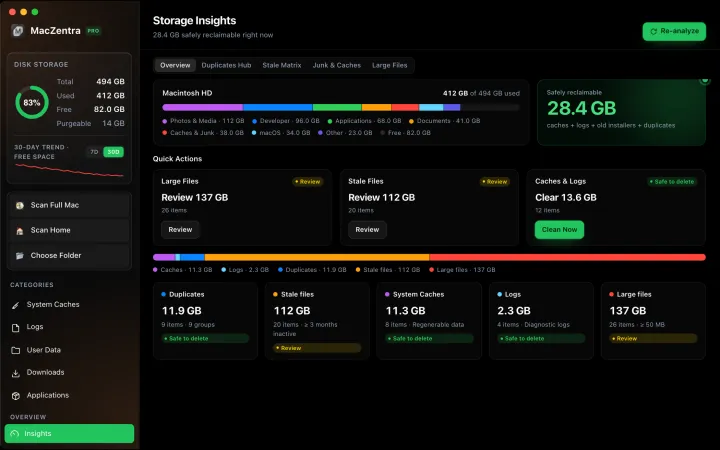
Free Up Space on Mac: 10 Fixes, Biggest First
Ten ways to free up Mac storage ranked by typical space recovered. Covers hidden Library folders and leftovers macOS Storage settings never show.
Free up space · 5 min
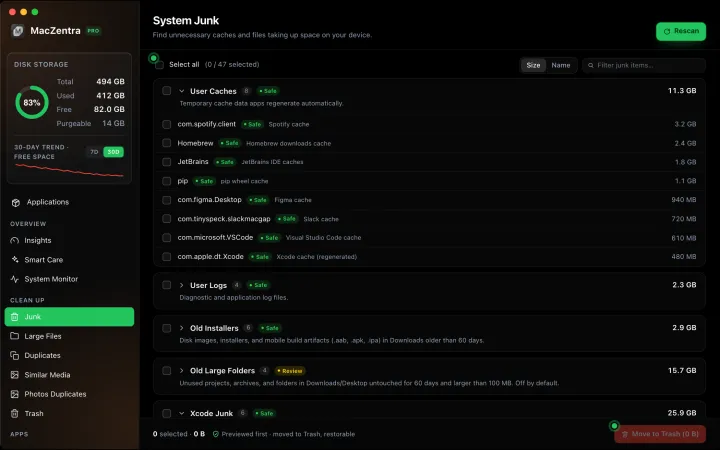
Is It Safe to Delete Library Caches on Mac? What to Keep and Clear
Yes for most apps. See which ~/Library/Caches and /Library/Caches folders are safe to delete, which to leave alone, and how to clear them step by step.
Free up space · 3 min
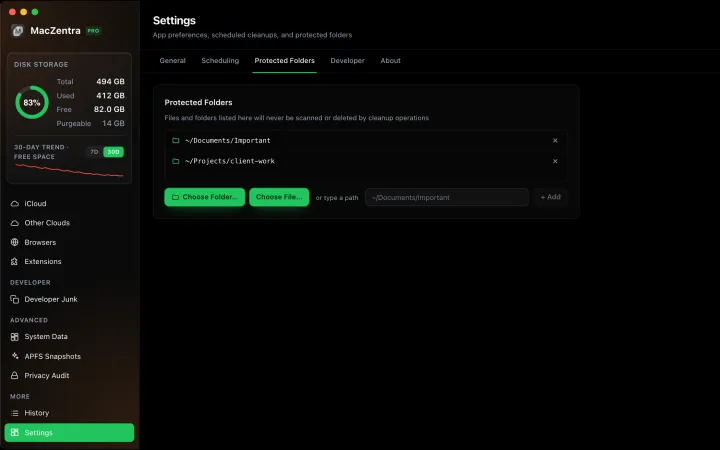
Protected Files & Folders: Keep Items Safe
How the built-in protected paths guard system-critical locations, and how to add your own custom folders to prevent accidental deletion.
Free up space · 4 min
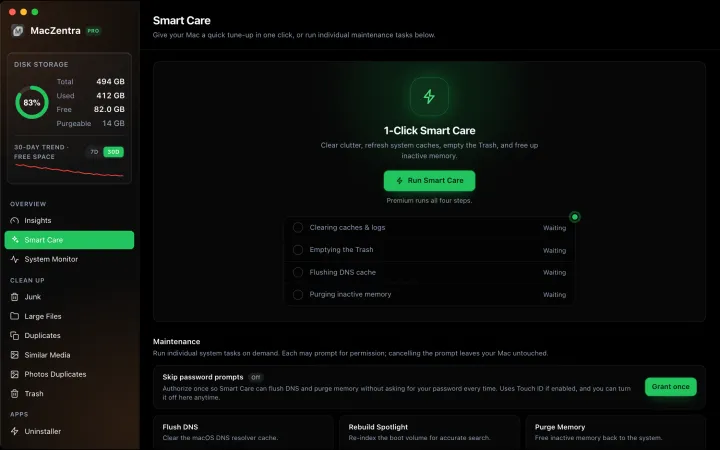
Smart Care for Mac: Automate Cache, Trash and Memory Cleanup
Automate Mac maintenance with Smart Care: clear caches, empty Trash, flush DNS and purge inactive memory in one workflow. Schedule it or run it on demand.