
Free up space
iPhone Storage Full With iCloud? Here’s Why
The MacZentra team · Updated Nov 17, 2026 · 6 min read
Why is iPhone storage full when I have iCloud? Because iCloud syncs and backs up your data, it does not move things off the phone unless you ask it to. With iCloud Photos set to “Download and Keep Originals”, every full-size photo and video stays on the device.
iCloud storage and iPhone storage are separate
Paying for iCloud gives you more room online. It adds nothing to the flash memory inside the phone, and the number under Settings → General → iPhone Storage only counts what is on the device. If you want a refresher on reading that screen, see how to check iPhone storage.
What iCloud does is keep a second copy somewhere else. Whether the phone then lets go of its own copy depends on one setting, and for most people with a full phone that setting is the answer.
Optimize iPhone Storage vs Download and Keep Originals
When iCloud Photos is on, you choose how the phone treats your library. Both options sync everything to iCloud. They differ in what the phone holds on to.
- Download and Keep Originals. The phone stores every photo and video at full size, and iCloud holds another copy. Your phone is full and so is your iCloud plan, which is why this setting causes most “full but I pay for iCloud” complaints.
- Optimize iPhone Storage. iCloud keeps the full-size originals. The phone keeps smaller, device-sized versions and downloads the original when you open or edit a photo, so it needs a connection to do that.
Where the setting is
- Open Settings, tap your name at the top, then tap iCloud and Photos. You can also reach the same choice from the Photos settings page: Settings → Photos on many iOS versions, Settings → Apps → Photos on newer ones.
- Make sure Sync this iPhone (or iCloud Photos on older versions) is on.
- Choose Optimize iPhone Storage.
Why the number does not drop when you switch it on
Optimizing is gradual, and iOS does it only when the phone needs room. If you have plenty of free space, it leaves the originals alone. Even on a phone that is nearly full, the saving appears slowly in the background, and it may wait until the phone is charging and on Wi-Fi.
So if you flip the switch and the bar does not move, nothing is broken. Leave the phone charging on Wi-Fi for a while and check again later. Do not expect the figure to fall the moment you tap it. If you need space right now, the quicker fixes in what to do when iPhone storage is full work immediately.
What iCloud never offloads on its own
Even with the best settings, a lot of what fills an iPhone is outside iCloud’s reach.
- Apps. iCloud does not store the apps themselves. Only the Offload Unused Apps setting (Settings → App Store) removes an app’s code, and it keeps the data.
- Most app data. Caches, offline downloads and local databases live on the phone. Some apps sync a few settings, but the bulk stays local.
- System Data. Caches, logs and temporary files are managed by iOS. Our guide on why iPhone System Data is huge covers what can shrink it.
- Downloaded media. Offline music, films and podcasts are saved on the device. Remove them in iPhone Storage or inside the app.
- Messages attachments. Large photos and videos in chats count under Messages, not Photos, so a Photos setting does not touch them.
An iCloud backup is a copy, not a way to free space
Settings → your name → iCloud → iCloud Backup uploads a copy of the phone so you can restore it later. It leaves everything on the device exactly where it was. A full backup tells you your data is safe, and tells you nothing about how much room is left.
This also explains a common mix-up. If you delete photos from the phone with iCloud Photos on, they come out of iCloud and your other devices too, after the 30 days in Recently Deleted. A backup is not a safety net for that.
Which iCloud feature frees space on the phone
| iCloud feature | Frees space on the phone? | What to switch on |
|---|---|---|
| iCloud Photos, Download and Keep Originals | No. Full-size copies stay on the device | Switch to Optimize iPhone Storage if iCloud has room |
| iCloud Photos, Optimize iPhone Storage | Yes, gradually and only when the phone needs space | Leave it on, and keep the phone charging on Wi-Fi now and then |
| iCloud Backup | No. It makes a copy and changes nothing locally | Keep it on for safety, not for space |
| iCloud Drive files | Partly. Files can show as cloud items until opened | Keep it on, and use Remove Download on big files in Files |
| Shared albums | Little. Not counted in your iCloud plan | Nothing needed, and avoid saving every item to your library |
| Apps and app data | No. iCloud does not hold the apps | Offload Unused Apps in Settings → App Store |
Do shared albums take up iPhone storage?
Shared albums do not count against your iCloud storage plan. On the phone they are a different story, because the phone keeps copies so you can view them.
How much do shared albums use on the phone?
The copies used for viewing are generally smaller than your own originals, so a few shared albums rarely matter. A busy album with lots of video can add up. If you tap Save on an item, you add a full copy to your own library, and that does count. To see where your Photos space goes, open iPhone Storage → Photos.
Photos taking up space on iPhone even with iCloud
If Photos is still large after you optimized, three things are usually behind it. Recently Deleted keeps removed items for 30 days. Photos you edited or opened recently may be sitting at full size. And a very big library can leave the phone with a lot of device-sized copies until it needs to trim them.
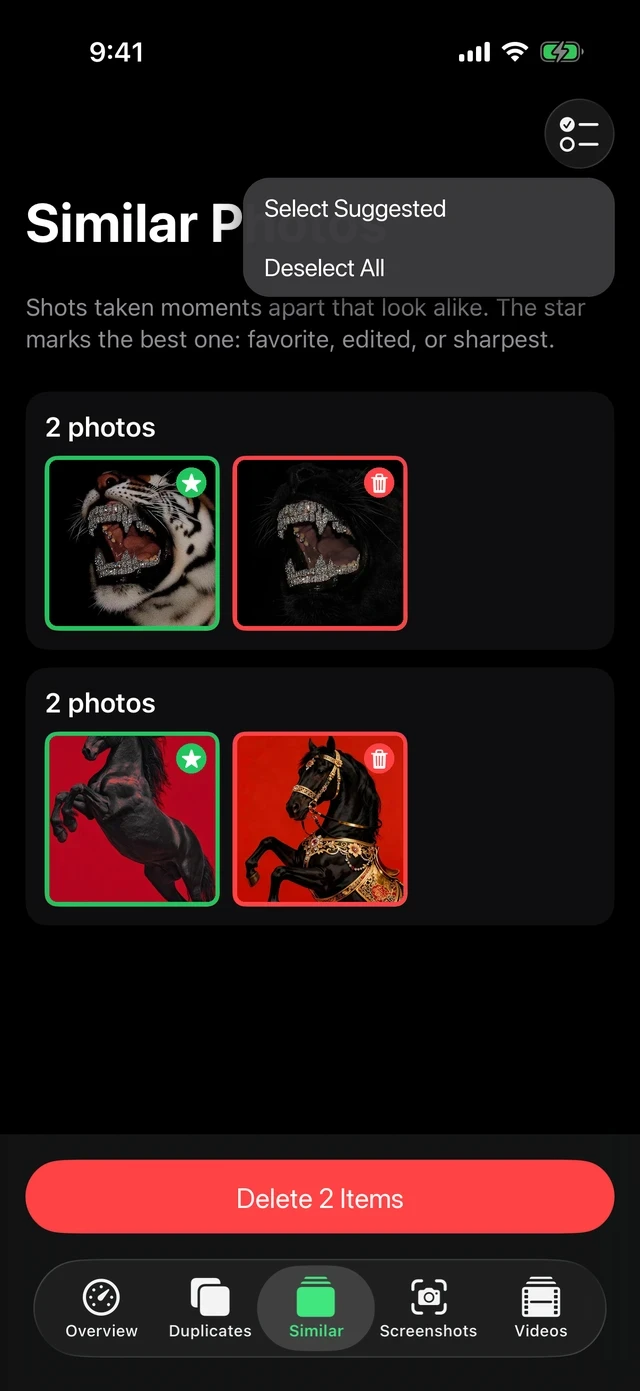
Duplicates and near copies add to this and do not shrink on their own. The guide to cleaning iPhone photos, duplicates and screenshots covers them, and how to get more storage on iPhone lists the other routes.
If the same photos clutter your Mac too, the Mac equivalent of this setting is explained in how Optimize Mac Storage works.
Questions people ask
Why is my iPhone storage full when I have iCloud?
iCloud keeps a copy of your data online, but the phone only drops its own copy if Optimize iPhone Storage is on and it needs room. Apps, System Data and downloaded media are never moved to iCloud.
How do I optimize storage on iPhone?
Go to Settings → your name → iCloud → Photos and choose Optimize iPhone Storage. Check first that your iCloud plan has room for the whole library.
Does buying more iCloud storage free up iPhone space?
Not by itself. More iCloud space only helps if Optimize iPhone Storage is on, so the phone has somewhere to send the originals.
Is it safe to delete photos from my iPhone if they are in iCloud?
Not with iCloud Photos on. A deletion syncs to iCloud and your other devices. Optimize iPhone Storage is the safe way to free space without deleting.
Why did the storage number not change after I turned on Optimize iPhone Storage?
iOS optimizes slowly and only when space is needed. Keep the phone charging on Wi-Fi for a while and check iPhone Storage again.
Everything MacZentra can clean
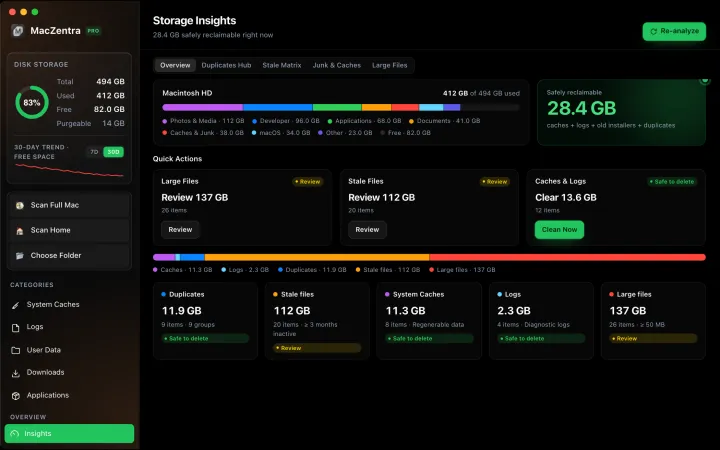
Treemap and Sunburst disk maps, a duplicate finder, Developer Junk, a complete app uninstaller and more, in one native storage cleaner for Mac that’s 15.4 MB.
Explore all features →Related guides
Free up space · 8 min
Free Up Space on Mac: 10 Fixes, Biggest First
Ten ways to free up Mac storage ranked by typical space recovered. Covers hidden Library folders and leftovers macOS Storage settings never show.

Free up space · 5 min
Is It Safe to Delete Library Caches on Mac? What to Keep and Clear
Yes for most apps. See which ~/Library/Caches and /Library/Caches folders are safe to delete, which to leave alone, and how to clear them step by step.

Free up space · 3 min
Protected Files & Folders: Keep Items Safe
How the built-in protected paths guard system-critical locations, and how to add your own custom folders to prevent accidental deletion.

Free up space · 4 min
Smart Care for Mac: Automate Cache, Trash and Memory Cleanup
Automate Mac maintenance with Smart Care: clear caches, empty Trash, flush DNS and purge inactive memory in one workflow. Schedule it or run it on demand.